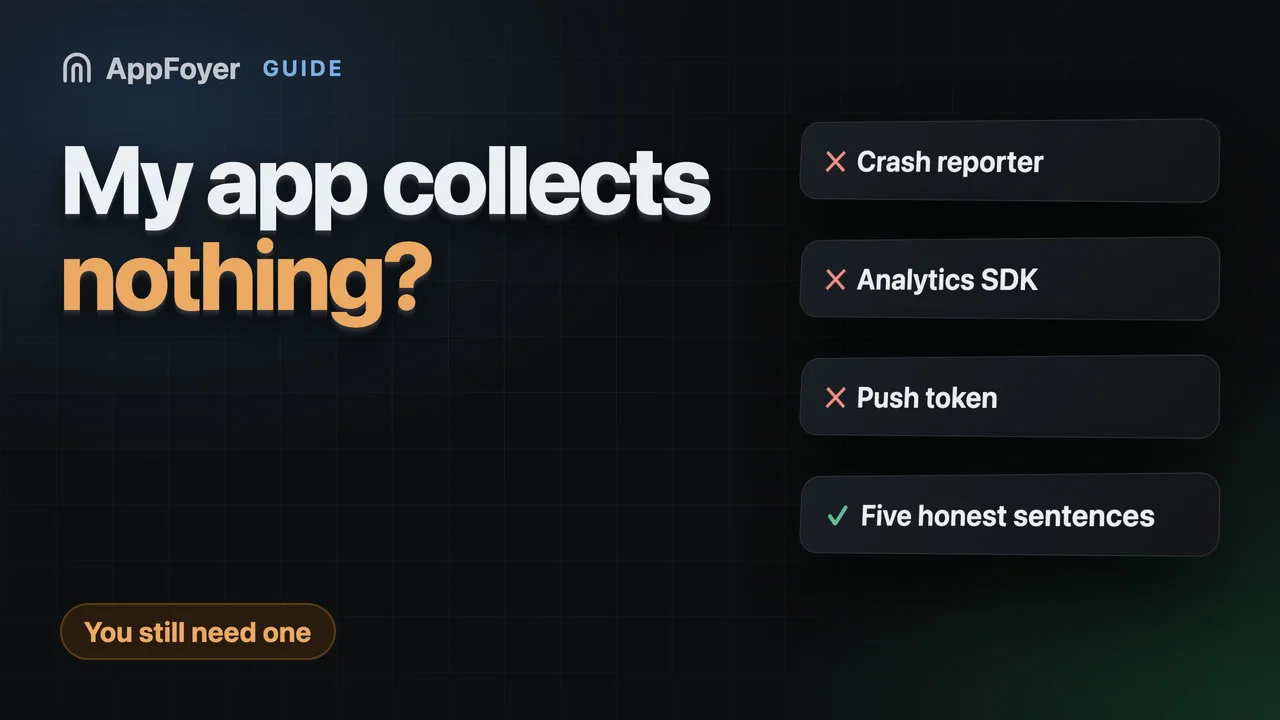
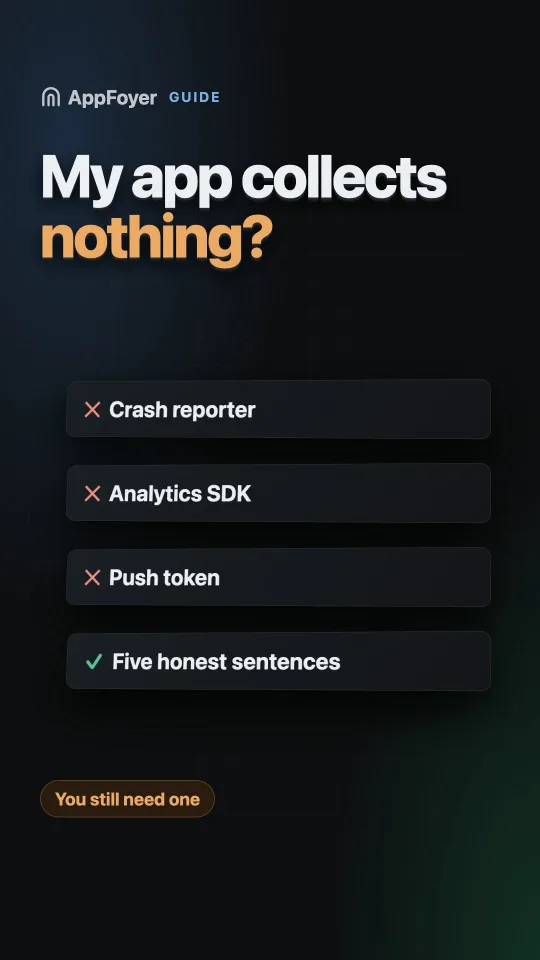
Do I need a privacy policy if my app collects nothing?
Almost certainly yes — and the reason is usually that the app collects more than its developer thinks. How to find out in ten minutes, and what the policy says when the answer really is nothing.
Yes. Google Play requires a privacy policy link for all apps, and Apple lists the privacy policy URL as required. Beyond that, most apps that "collect nothing" do collect something through an SDK — a crash reporter, an analytics library or an ads SDK — which counts as collection whether you wrote it or not.
Do this in a few minutes instead
AppFoyer hosts the pages this guide is about — privacy policy, terms, support, account deletion and app-ads.txt — on their own subdomain, with no domain or server of your own. One app is free, and nothing a store requires is ever behind a paywall.
Checked 19 September 2026. Store policies change, sometimes without notice. Everything below links to the official documentation, and that page — not this one — is the authority. If the two disagree, the store is right.
This is the most common misunderstanding in mobile compliance, and it costs people a week each time.
Two separate things are being asked. Is a policy required? Yes, regardless — Google Play’s User Data policy states that “all apps must post a privacy policy link in the designated field within Play Console, and a privacy policy link or text within the app itself”, and Apple lists the privacy policy URL as a required field. Does your app collect data? Probably, and not because of code you wrote.
Your code collects nothing. Your dependencies might
The honest question is not “what do I collect” but “what does everything in my build collect”. A short list of usual suspects, none of which feel like data collection when you add them:
| What you added | What it sends |
|---|---|
| A crash reporter | Device identifiers, OS version, stack traces |
| An analytics SDK | Events, session data, often an advertising id |
| An ads SDK | Device and advertising identifiers, and a good deal more |
| Push notifications | A device token, which is by definition tied to a device |
| A sign-in library | Email address, account identifier |
| A “free” backend tier | Whatever you store in it |
Google Play is explicit that this counts as yours: data collection “includes data collected and handled through any third-party libraries or SDKs used in their apps”. Apple asks you to identify the data “you or your third-party partners collect”. Neither store treats “the SDK did it” as an answer.
The ten-minute check
Open your dependency file and read it line by line:
- Android —
build.gradle/build.gradle.kts,libs.versions.toml, andAndroidManifest.xmlfor permissions and meta-data. - iOS —
Podfile,Package.swift, the.pbxproj, andInfo.plistfor usage strings. - Cross-platform —
pubspec.yaml,package.json,app.json.
Anything that talks to a server collects something. Also check the permissions you declare and the usage-description strings you wrote: they are an independent second list of what the app can reach, and a reviewer reads them.
That list is your privacy policy’s substance, and it is also what your Data safety answers must match. Where the two disagree, the store believes the SDK: Google Play states that “when Google becomes aware of a discrepancy between your app behavior and your declaration, we may take appropriate action, including enforcement action”.
When the answer really is nothing
It happens: a local calculator, an offline tool, a single-player game with no ads, no analytics and no crash reporting. You still need the policy, and it is short. Say plainly:
- that the app collects, stores and transmits no personal data;
- that it uses no analytics, advertising or crash-reporting services;
- that anything the app saves stays on the device;
- how to contact you;
- when the policy was last updated.
Five sentences is a complete and honest privacy policy for an app like that. What it must not do is list things you do not do — a generated page describing advertising identifiers for an app with no ads is itself a mismatch with the Data safety form you filled in truthfully, and it invites exactly the question you did not need.
What changes the answer later
The policy is not a launch task, it is a thing that goes stale. Both stores require it to stay accurate: Google Play says Data safety responses “must remain accurate and complete at all times”, and Apple says you are “responsible for keeping your responses accurate and up to date”.
The event that invalidates it is almost always the same one: a dependency changed. Adding an analytics SDK in a routine sprint silently turns a true “we collect nothing” into a false one. Put one line in your release checklist — did any dependency change? if so, re-read the policy and the Data safety form — and you will never be caught by it.
What AppFoyer does here
We read your build files — with a coding agent that looks at the repository, or through a short form — and draft the policy from what is actually in them, including the “nothing” case, which we will happily write as five honest sentences rather than padding it. The checklist keeps flagging the page until the section naming your third parties is real rather than a placeholder.
The templates are a starting point, not legal advice, and every generated page says so.
The authoritative sources
- User Data policy — Google Play Help
- Provide information for Google Play’s Data safety section — Google Play Console Help
- App privacy details on the App Store — Apple