Every URL you need before submitting an app
The full list across Play Console, App Store Connect and AdMob, which ones are required rather than optional, what each page has to contain, and the order to do them in.
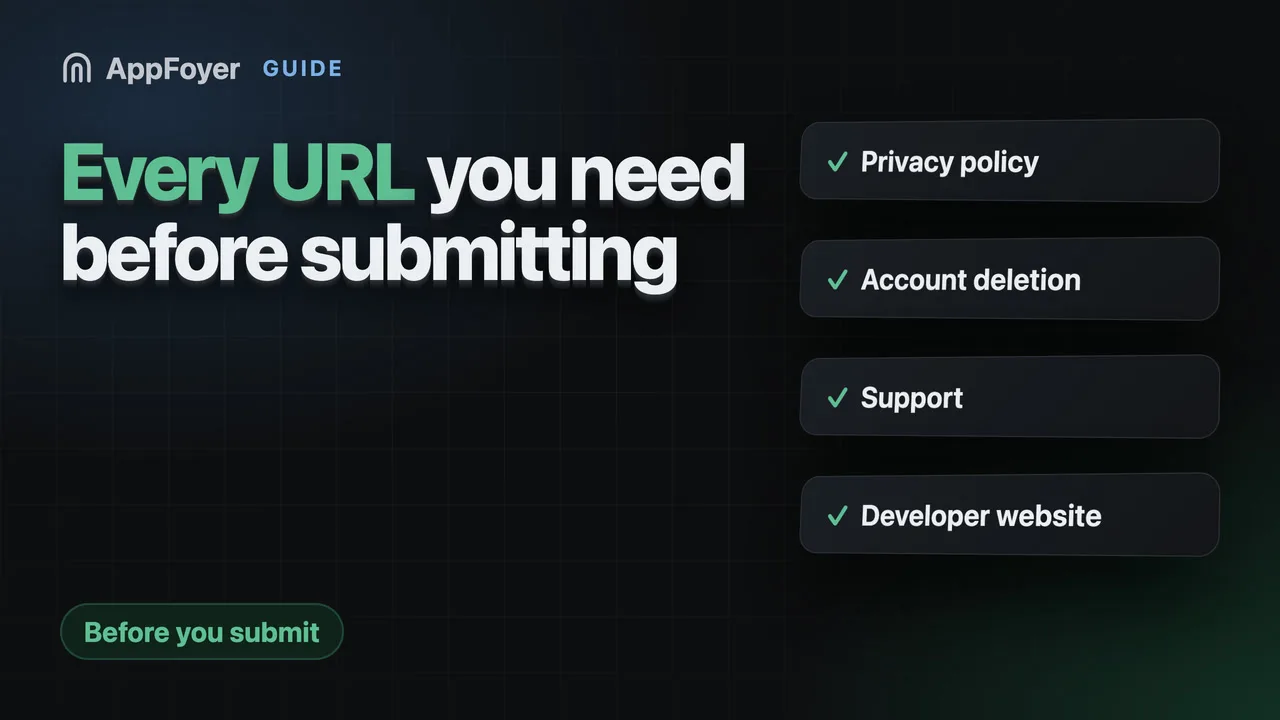
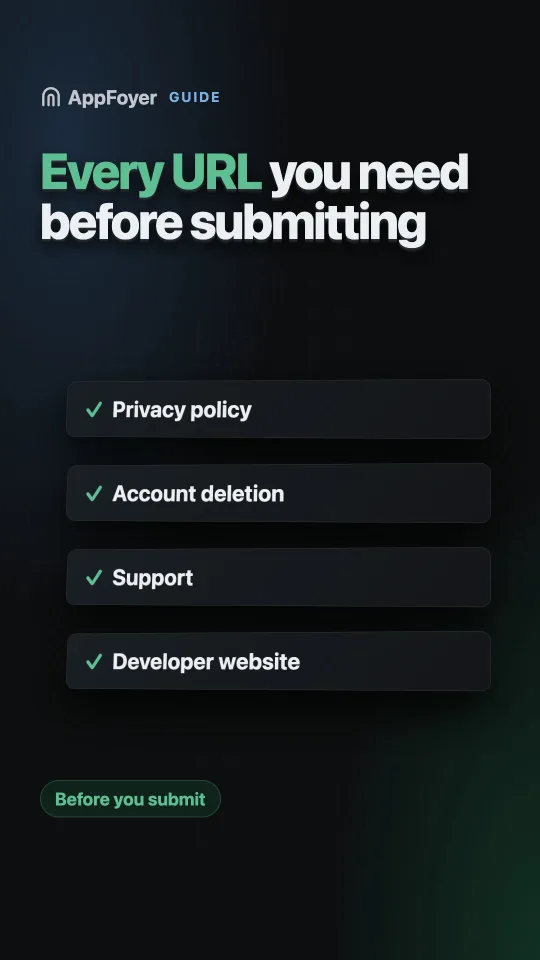
Most apps need four public URLs: a privacy policy, an account-deletion page if the app has accounts, a support page for the App Store, and a developer website if it shows ads. Each is a separate console field, each is checked, and all of them have to keep working long after the app is approved.
Do this in a few minutes instead
AppFoyer hosts the pages this guide is about — privacy policy, terms, support, account deletion and app-ads.txt — on their own subdomain, with no domain or server of your own. One app is free, and nothing a store requires is ever behind a paywall.
Checked 19 September 2026. Store policies change, sometimes without notice. Everything below links to the official documentation, and that page — not this one — is the authority. If the two disagree, the store is right.
This is the list nobody gives you before your first submission, so you discover it one rejection at a time. Gather these before you open the console and the whole thing takes an afternoon instead of three review cycles.
The fields, by console
| URL | Console and field | Required? |
|---|---|---|
| Privacy policy | Play Console → App content → Privacy policy; App Store Connect → App Privacy | Yes, both stores |
| Account deletion | Play Console → App content → Data deletion | Yes, if the app has accounts |
| Support | App Store Connect → the version’s Platform version information → Support URL | Yes, Apple |
| Developer website | Play store listing; App Store Connect Marketing URL | Play: optional, but required in practice if you show ads — it is where app-ads.txt is looked for. Apple’s Marketing URL is genuinely optional |
| Contact email | Play Console → Store settings → Store listing contact details | Yes, Play requires an email to publish |
Apple also requires account deletion, but as an in-app route rather than a URL field — see the App Store account deletion guide.
What each page has to contain
Privacy policy. What is collected, why, who else sees it, how long it is kept, how to contact you. The section that gets you rejected is “who else sees it”: it has to name the third parties, which means every SDK in your build, and it has to agree with your Data safety answers.
Account deletion. A public page, reachable without signing in or having the app installed, where a user can ask you to delete their account. It must actually deliver the request to you — a page that displays a form and drops the result is worse than no page, because the user believes it worked.
Support. A route to a human. An email address you read is enough. Not your marketing page, not an App Store listing, not a social profile.
Developer website. A page about your app, at a hostname you control — and the hostname whose
root an ad network will fetch /app-ads.txt from.
The four tests every one of them has to pass
The same four, every time, which is why it is worth doing them as a batch:
- It loads signed out. Open it in a private window. The classic failure is a page that works only because you are logged in to the service hosting it.
- It is not a redirect chain. Especially for
app-ads.txt, which must be served directly. - It names your app and your company. A policy naming a different app is the copy-paste tell, and reviewers notice.
- It will still be there in two years. A listing is checked more than once, and a free host you forgot about is the most common way a live app breaks.
curl -i https://your-url.example/privacy
200 OK, readable content, no Location: header.
The order to do them in
- Decide where all of them live, once. Splitting them across a Notion page, a GitHub Pages site and a form service is how you end up with three things to maintain and one that will break.
- Write the privacy policy from your dependency list, not from a template. Open
build.gradle/Podfile/pubspec.yamland work down it. - Build the account-deletion route — the in-app one and the web one. This is the only item with real engineering in it, so it decides your timeline.
- Publish, then fill in the console fields. Not the other way round: a field pointing at a page that does not exist yet is the rejection you are trying to avoid.
- Fill in Data safety / App Privacy from the same list you wrote the policy from, so the two cannot disagree.
app-ads.txtlast, and only if you show ads.
What AppFoyer does here
This list is the product. All five pages — home, privacy, terms, support, account deletion — plus
app-ads.txt go live together on your app’s own subdomain, so you paste working URLs into every
field in one pass. The account-deletion page receives the request and notifies you; you do the
deletion in your own systems.
There is also a checklist in the dashboard that tells you which console field is still empty and why it matters. One app is free, and nothing a store requires is ever behind a paywall.
The authoritative sources
- Privacy policy requirements — Google Play Help
- Understanding Google Play’s app account deletion requirements — Google Play Help
- Required, localizable, and editable properties — Apple. This table is what says Support URL and Privacy Policy URL are required and Marketing URL is not.
- Set up app-ads.txt — AdMob Help