What app-ads.txt is, and where it has to live
The file in one paragraph, the line format field by field, the one rule about where it goes that decides whether any of it works, and what to do without a website.
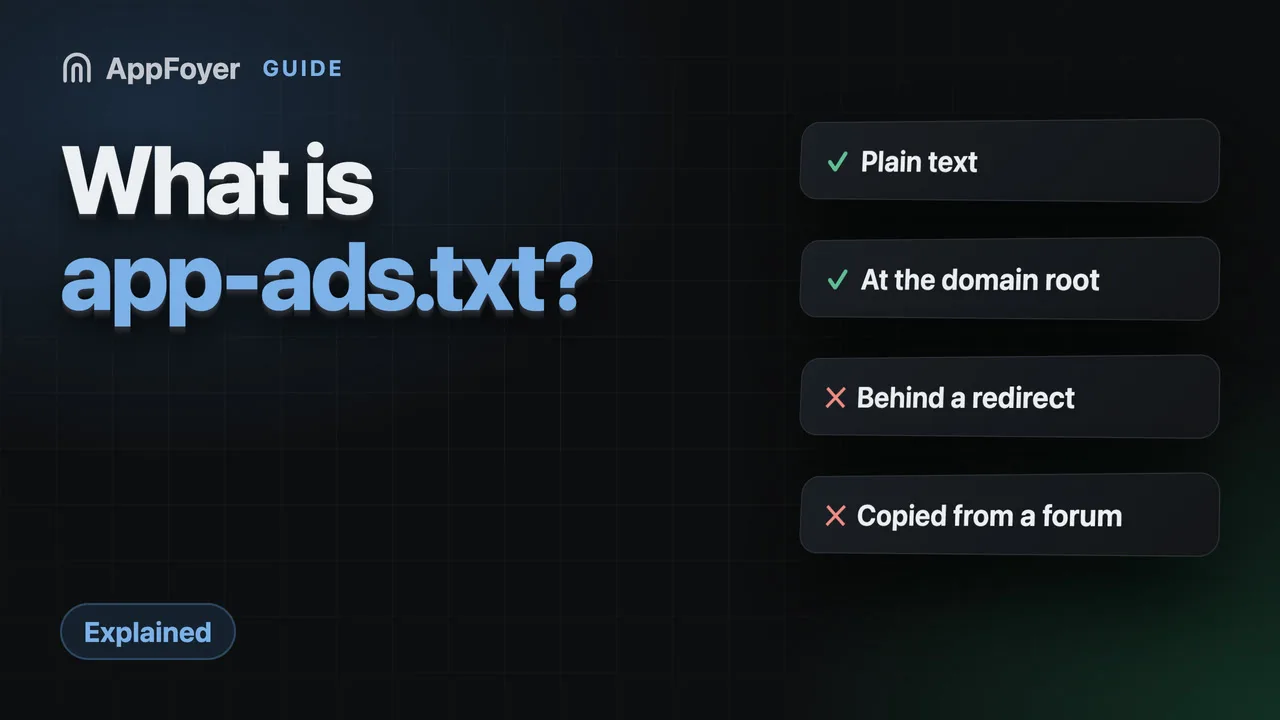
app-ads.txt is a plain-text file listing the ad companies allowed to sell your app's inventory. It sits at /app-ads.txt on the website named in your store listing, and networks fetch it to check sellers are authorised. A platform subdomain works: AdMob verifies files on AppFoyer subdomains. No ads, no file needed.
Do this in a few minutes instead
AppFoyer hosts the pages this guide is about — privacy policy, terms, support, account deletion and app-ads.txt — on their own subdomain, with no domain or server of your own. One app is free, and nothing a store requires is ever behind a paywall.
Checked 12 October 2026. Store policies change, sometimes without notice. Everything below links to the official documentation, and that page — not this one — is the authority. If the two disagree, the store is right.
app-ads.txt is a plain-text file listing the ad companies allowed to sell your app’s ad
inventory. It lives at /app-ads.txt on the website you declared in your store listing, and ad
networks fetch it to check that whoever is offering your inventory is really authorised by you.
Without it a buyer has no way to confirm that, which is the whole reason the standard exists.
If you do not show ads in your app, you do not need this file at all. If you do, it takes about ten minutes — and nine of those go into getting the location right, which is the only part that regularly goes wrong.
What problem it solves
Ad inventory is resold. Somewhere between your app and the advertiser there are exchanges,
resellers and intermediaries, and until ads.txt and its app-flavoured sibling existed there was no
cheap way for a buyer to tell “this really is that app’s inventory” from “someone is claiming to
sell it”. Fraud worked because the claim was unverifiable.
The fix is deliberately low-tech: the publisher publishes the list of who is allowed to sell for them, at an address only the publisher controls. A buyer fetches the file and compares. That is the entire mechanism, and it is why the address matters more than the contents — a file anyone could have put there would prove nothing.
The line format
One authorised seller per line, three required fields and one optional, comma-separated:
google.com, pub-0000000000000000, DIRECT, f08c47fec0942fa0
| Field | Meaning |
|---|---|
google.com | The ad system’s domain — the network’s own canonical domain, not yours. |
pub-0000000000000000 | Your publisher id with that network. Copy it from their dashboard. |
DIRECT or RESELLER | DIRECT if you have a direct contract with them; RESELLER if you authorised them to resell. |
f08c47fec0942fa0 | Optional certification authority id, when the network publishes one. |
Anything after # is a comment. Lines beginning contact=, subdomain=,
inventorypartnerdomain= and similar are variables, not seller records, and are left alone.
Two mistakes account for most broken files: a missing comma, which makes the whole line unparseable, and pasting somebody else’s publisher id from a support forum, which authorises a stranger to sell your inventory. Each network’s dashboard shows the exact line it wants — use that, not a template.
Where it has to live — the part that decides everything
The crawler does not know your package name and does not look you up by app. It reads the
developer website URL from your store listing, and fetches /app-ads.txt at the root of that
domain. Get the listing URL wrong and a perfectly correct file is invisible.
AdMob documents the probing rules, and they are worth reading once rather than guessing at:
- The root directory means “the directory following the top level domain” —
example.com/app-ads.txt, notexample.com/some/path/app-ads.txt. - Crawlers “probe up to one subdomain level from the developer website when constructing an
app-ads.txt URL”. For a listing pointing at
support.help.example.com/game, AdMob’s own example shows it tryinghelp.example.com/app-ads.txtandexample.com/app-ads.txt. www.andm.are excluded as subdomain locations, so they collapse to the domain itself.
Beyond the address, the serving has to be boringly correct: HTTP 200, Content-Type: text/plain,
no redirect in front of it, no login, no JavaScript rendering it, nothing in robots.txt blocking
it. A file that only appears after a redirect from http to https, or from the apex to www, is
a common and entirely invisible failure.
Check it the way a crawler would:
curl -i https://your-domain.example/app-ads.txt
You want 200 OK, text/plain, no Location: header, and your lines in the body.
“But I don’t have a website”
This is the normal case for an indie developer, and it is why so many apps have no file at all.
The requirement is a hostname you control that serves a file — it is not a requirement to have a marketing site, a company domain or a landing page. AdMob says so directly: “If you don’t have a suitable website that allows the uploading of an app-ads.txt file at the root level, you can use Firebase Hosting to host your app-ads.txt file.” Platform hosting is expected, not a workaround. The no-website guide walks through the options.
Whatever you use, two things have to be true for longer than a launch week: the address has to stay the same, because it is printed in a store listing you will not think about again, and it has to keep serving plain text without a redirect creeping in front of it the first time someone “improves” the setup.
When you change something, nothing happens immediately
Ad networks re-crawl on their own schedule. AdMob states that “it can take up to 24 hours for AdMob to crawl and verify your app-ads.txt files”, and other networks are slower. A file uploaded an hour ago that still reads as missing is almost always just early — see the not-found guide before changing anything else.
What AppFoyer does here
Your app’s page serves app-ads.txt at its own subdomain — plain text, 200, no redirect, with the
headers the specification asks for — and the editor validates each line as you type it, so a missing
comma is caught before a crawler sees it. You set that subdomain as the developer website in your
store listing, one level under appfoyer.page.
AdMob verifies it there: in October 2026 it reported “app-ads.txt file found and verified” for apps whose developer website is an AppFoyer address. We have no crawl result of our own from other ad networks yet.
The authoritative sources
- Set up app-ads.txt — AdMob Help. The crawler rules and the subdomain example quoted above come from this page.
- ads.txt / app-ads.txt specification — IAB Tech Lab. The specification itself, and the authority on the line grammar.