The account deletion URL Google Play asks for
Play Console asks for a public web URL under App content → Data deletion. What that page has to let a user do without signing in, and the mistakes that get a submission sent back.
Google Play asks apps with accounts for two deletion routes: one inside the app, and a public web URL where the same request can be made without signing in or reinstalling. You declare the web URL under App content → Data deletion. The page collects the request; deleting the data in your own systems is still yours.
Do this in a few minutes instead
AppFoyer hosts the pages this guide is about — privacy policy, terms, support, account deletion and app-ads.txt — on their own subdomain, with no domain or server of your own. One app is free, and nothing a store requires is ever behind a paywall.
Checked 19 September 2026. Store policies change, sometimes without notice. Everything below links to the official documentation, and that page — not this one — is the authority. If the two disagree, the store is right.
If your app lets people create an account, Google Play asks for two routes to deleting it: one inside the app, and a publicly reachable web URL where the same request can be made. You declare the web URL in Play Console under App content → Data deletion, and Google Play Help states that it “must be functional (for example, loads without error), relevant in scope”. Someone who has already uninstalled the app has to be able to use it.
That is the requirement in one paragraph. The rest of this page is what the page itself has to do, and the mistakes that get a submission sent back.
Two things are being asked for here, and they are easy to confuse:
- A public page where a request can be submitted.
- Actually deleting the data in your own systems when a request arrives.
The first is a hosting problem. The second is yours alone, and no service can do it for you — anyone who says otherwise does not have access to your database.
What the page has to let a user do
The requirement is written from the user’s side, so read it from there. Someone who has uninstalled your app, forgotten their password, or never had one, should still be able to reach the page and ask you to delete their account.
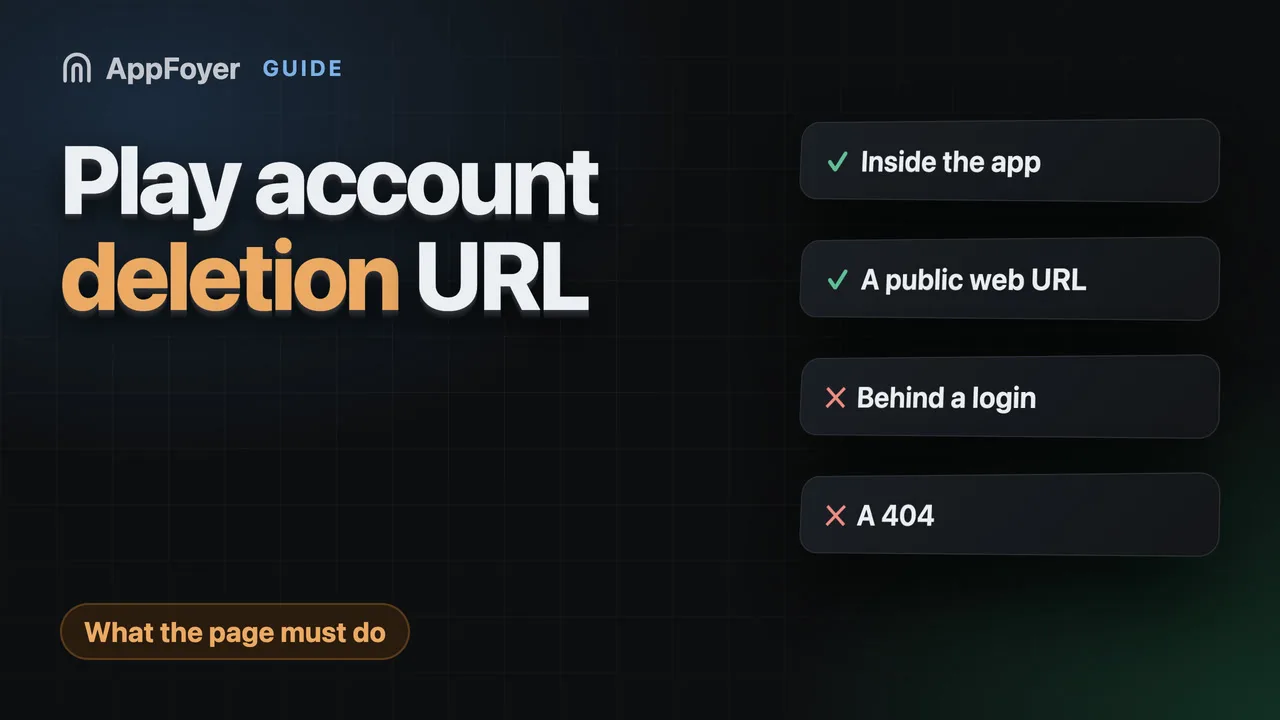
That rules out some common setups:
- A page behind a login. If the user has to sign in to ask for deletion, the people most likely to need it cannot use it.
- Only a path inside the app. The in-app route is required too, but it does not stand in for the web URL: that one is reachable from the store listing, by someone who no longer has the app.
- A URL that 404s. This is the one that actually gets caught, because it is trivial to check.
The page should say what data is deleted, what is kept and for how long (billing records often must be kept by law), and how long deletion takes.
The part people get wrong: receiving the request
A page that displays a form is not enough on its own — the request has to reach you.
This is the one part a plain file host cannot do on its own. GitHub Pages, a bucket behind a CDN: they serve files, they cannot take a POST. Most hosts a developer would actually pick do solve it — Cloudflare Workers, Netlify and Vercel functions, Netlify Forms — so this is a wiring job, not a wall. But something has to receive the request, and the usual DIY route ends in one of four places:
- an email address printed on the page, and nothing to stop it being scraped;
- a third-party form service, which now sees your users’ email addresses;
- an edge function on your host, which is a few lines but is now code you own on every app;
- a small server you have to keep running for what might be two requests a year.
Whichever you pick, decide it deliberately. A deletion page that quietly drops requests is worse than not having one: you are telling a user their request was received.
Keep a record
Whatever you build, keep a log of requests: the address, the date, what you did about it. If a regulator or a store ever asks, “we deleted it” is an assertion, and a dated list is evidence.
What AppFoyer does here
We host the page and relay the request. A user submits it, we store it as your audit trail, and we notify you — by email on any plan, or by Telegram or Slack on a paid one. You do the deletion in your own systems — we have no access to them, and we never claim to.
That page stays online even if you stop paying us, because your users had no part in that.
The authoritative source
- Provide information about data deletion — Google Play Help. Read this before you submit; it is the page that decides, not this one.