Does your app need a website?
No store has a field demanding a marketing site — but four separate requirements all resolve to a URL. What you actually need, and what you can skip.
Not as such — no store has a field that demands a marketing site. But Google Play requires a privacy policy link on your store listing, ad networks look for app-ads.txt at the root of the website you declare, and both stores want reachable URLs. In practice you need pages, not a website.
Do this in a few minutes instead
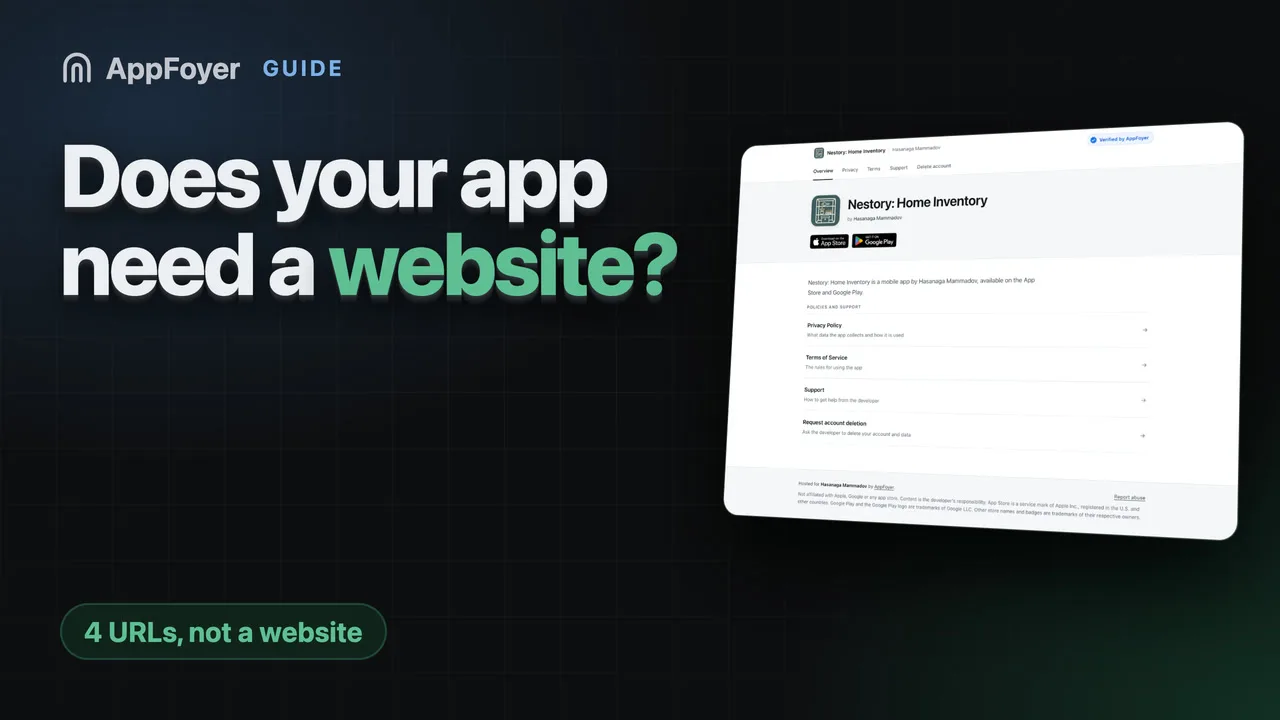
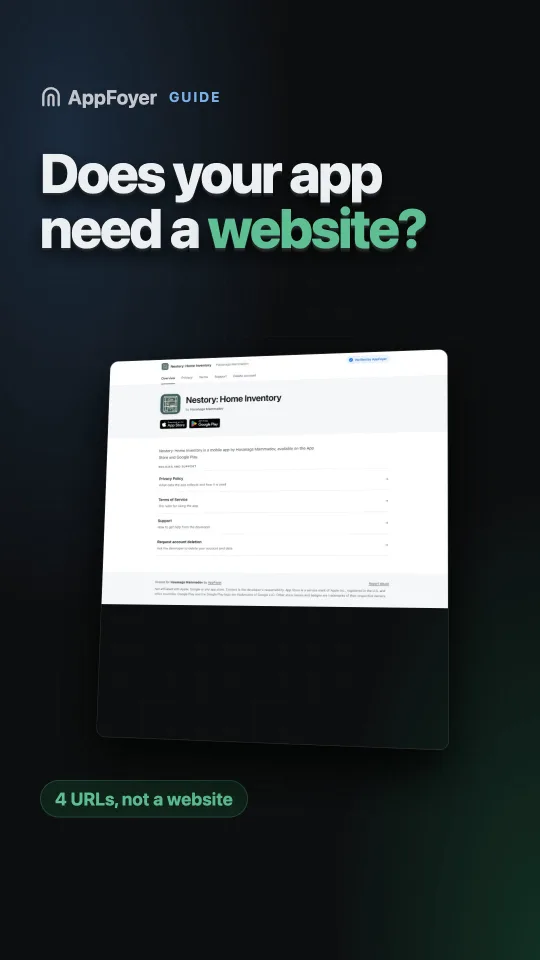
AppFoyer hosts the pages this guide is about — privacy policy, terms, support, account deletion and app-ads.txt — on their own subdomain, with no domain or server of your own. One app is free, and nothing a store requires is ever behind a paywall.
Checked 19 September 2026. Store policies change, sometimes without notice. Everything below links to the official documentation, and that page — not this one — is the authority. If the two disagree, the store is right.
Developers ask this expecting a yes or no, and get conflicting answers because the people replying are answering different questions. Here are the four, separately.
1. Does a store require a marketing website?
No. There is no console field labelled “website” that a submission fails without.
Google Play’s store listing has a website field in Store settings → Store listing contact details, next to an email and a phone number. The email is required to publish; the website is not. App Store Connect has a Marketing URL, explicitly optional.
So if the question is “must I build a landing page with screenshots and a download button” — no.
2. Does anything require a URL?
Yes, several things, and this is where the real answer lives:
| Requirement | Needs a URL? |
|---|---|
| Privacy policy | Yes. Play’s User Data policy: “All apps must post a privacy policy link in the designated field within Play Console, and a privacy policy link or text within the app itself.” Apple: a required Privacy Policy field |
| Account deletion | Yes, if your app has accounts. A public web URL, declared in Play Console under App content → Data deletion |
| Support | Yes, on Apple. The Support URL field is required |
app-ads.txt | Yes, if you show ads. Networks fetch it from the root of the developer website in your listing |
Four requirements, four URLs, and none of them is satisfied by a marketing page. What you need is pages, not a website in the sense people mean when they ask.
3. So why does the “developer website” field matter anyway?
Because of app-ads.txt. That file is not found through your app, your package name or your ad
account — it is found through the website URL printed in your store listing. The crawler reads
that hostname and fetches /app-ads.txt at its root.
Leave the field empty and there is nowhere for the crawler to start, which is the single most common reason a file reads as “not found”. If you monetise with ads, the website field stops being optional in any practical sense.
It is also the one field that quietly ties the others together: developers who fill it in with a host that serves their compliance pages end up with all five URLs on one hostname, which is one thing to keep alive instead of four.
4. What about an app home page?
Worth having, unglamorous, and not for the reason people assume. A plain page saying what the app is, who makes it and how to reach them does three jobs:
- gives the store listing’s website field somewhere real to point;
- gives a reviewer opening your URLs a coherent picture instead of five orphan legal pages;
- gives the
app-ads.txtcrawler a hostname you control.
It does not need screenshots, a hero image or a download button. One page of text is enough.
What you can skip
- A domain, if you do not already want one. See hosting without a domain.
- A marketing site, unless you are marketing.
- A blog, a press kit, a mailing list. None of this is compliance.
- A server, for everything except account deletion — which needs something that can receive a request, not just serve files.
The order to do it in
- Decide the one hostname that will serve all of it.
- Publish the privacy policy, terms, support and account-deletion pages there.
- Put a plain home page at its root.
- Set that hostname as the website in your store listing.
- Add
app-ads.txtat the root, if you show ads.
Then fill in the console fields — not before, or you will point a field at a page that does not exist yet.
What AppFoyer does here
This is exactly the shape of the product: your app gets its own subdomain with a home page, privacy
policy, terms, support and account-deletion pages, plus app-ads.txt at the root — no domain, no
server, no backend of your own. You set that subdomain as the developer website in your store
listing and every one of the four requirements above is answered by the same hostname.
The account-deletion page is the one that does more than serve a file: it receives the request, stores it and notifies you. One app is free, and nothing a store requires is behind a paywall.
The authoritative sources
- User Data policy — Google Play Help. The quotation above is from this page.
- Privacy policy requirements — Google Play Help, for where the field sits
- Understanding Google Play’s app account deletion requirements — Google Play Help
- Required, localizable, and editable properties — Apple, the table marking Support URL required and Marketing URL not
- Set up app-ads.txt — AdMob Help