Guides Terms, support and listing
The support URL App Store Connect asks for
What belongs on a support page, why a link to your homepage is not enough, and how it differs from the marketing URL.
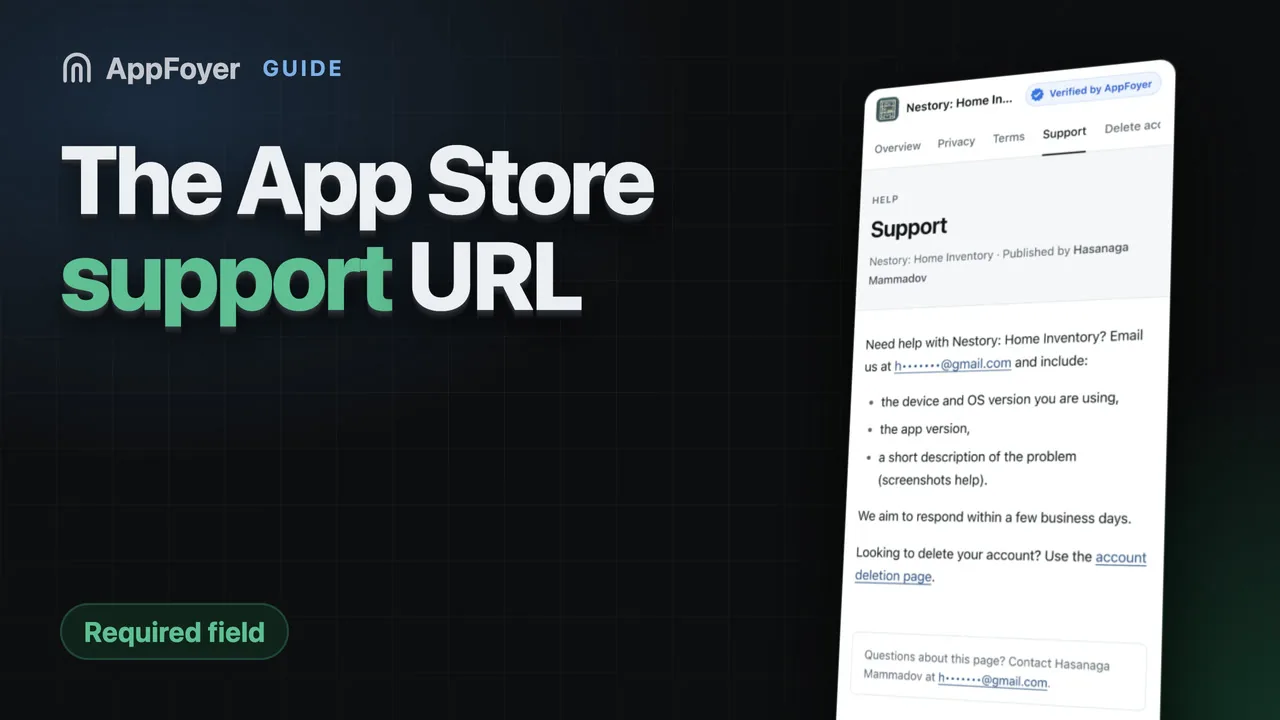
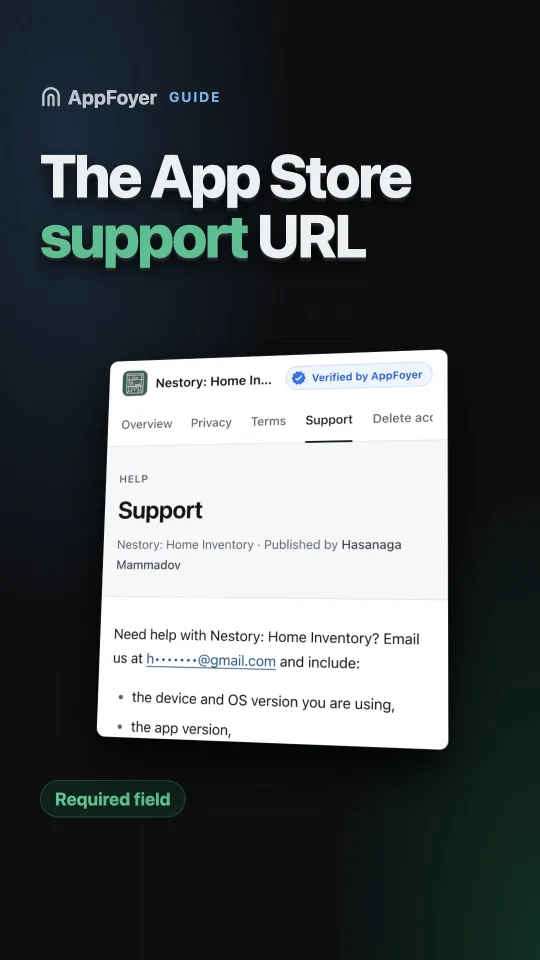
The Support URL in App Store Connect is required and must point at a page where a user of your app can get help from you. An email address on a plain page is enough. It is a different field from the optional Marketing URL, and pointing it at your landing page is the usual mistake.
Do this in a few minutes instead
AppFoyer hosts the pages this guide is about — privacy policy, terms, support, account deletion and app-ads.txt — on their own subdomain, with no domain or server of your own. One app is free, and nothing a store requires is ever behind a paywall.
Checked 19 September 2026. Store policies change, sometimes without notice. Everything below links to the official documentation, and that page — not this one — is the authority. If the two disagree, the store is right.
The Support URL in App Store Connect is a required field — Apple’s own property table marks it so — and it has to point at a page where a user of your app can get help from you, not at your marketing page and not at an App Store listing. An email address on a plain page is enough, as long as it is one you actually read. Google Play asks for something similar in the form of contact details on the store listing.
The reason behind it is simple: when your app stops working for someone, the store does not want that person contacting the store.
Support URL and marketing URL are not the same field
- Marketing URL — optional. Your app’s landing page: screenshots, features, a download button.
- Support URL — required. A page where a confused or annoyed user can get help.
Pointing the support field at your marketing page is the most common mistake, and it is caught often enough to be worth avoiding. A page that sells the app but offers no way to ask a question does not answer the requirement, even though it loads fine.
What belongs on the page
- A way to reach a human. An email address is enough. It must be one you read.
- Answers to the two or three questions you already get — how to restore purchases, how to cancel a subscription, what to do when a sync fails.
- A link to your privacy policy and, if you sell anything, your terms.
- A link to account deletion, if your app has accounts. The same user is often looking for both.
It does not need to be a help desk. A single clear page is fine, and better than a ticketing system nobody watches.
Reasons a support URL gets flagged
- It 404s, or the domain has expired.
- It redirects to an app store listing — a loop from the reviewer’s point of view.
- It requires a login.
- It is a social media profile rather than a page you control.
- There is no contact route on it at all.
A note on the email you put there
Use an address you will still read in two years. Support mail from a store listing arrives in bursts: nothing for months, then twenty messages after a bad release. A personal address you have abandoned is how a developer discovers their app was removed weeks ago.
What AppFoyer does here
The support page is one of the five pages we generate. It carries your contact address, links your other compliance pages, and lives at a fixed URL that does not depend on a domain you have to remember to renew.
The authoritative sources
- Required, localizable, and editable properties — Apple. Support URL is marked required there under the version’s platform information; Marketing URL is not.
- App Store Review Guidelines — Apple