Sending your users' data to an AI API — what Google Play requires
Adding an LLM call to an app is a data-sharing decision, and Play's User Data policy says so explicitly. What has to be disclosed, where, and what the in-app disclosure has to look like.
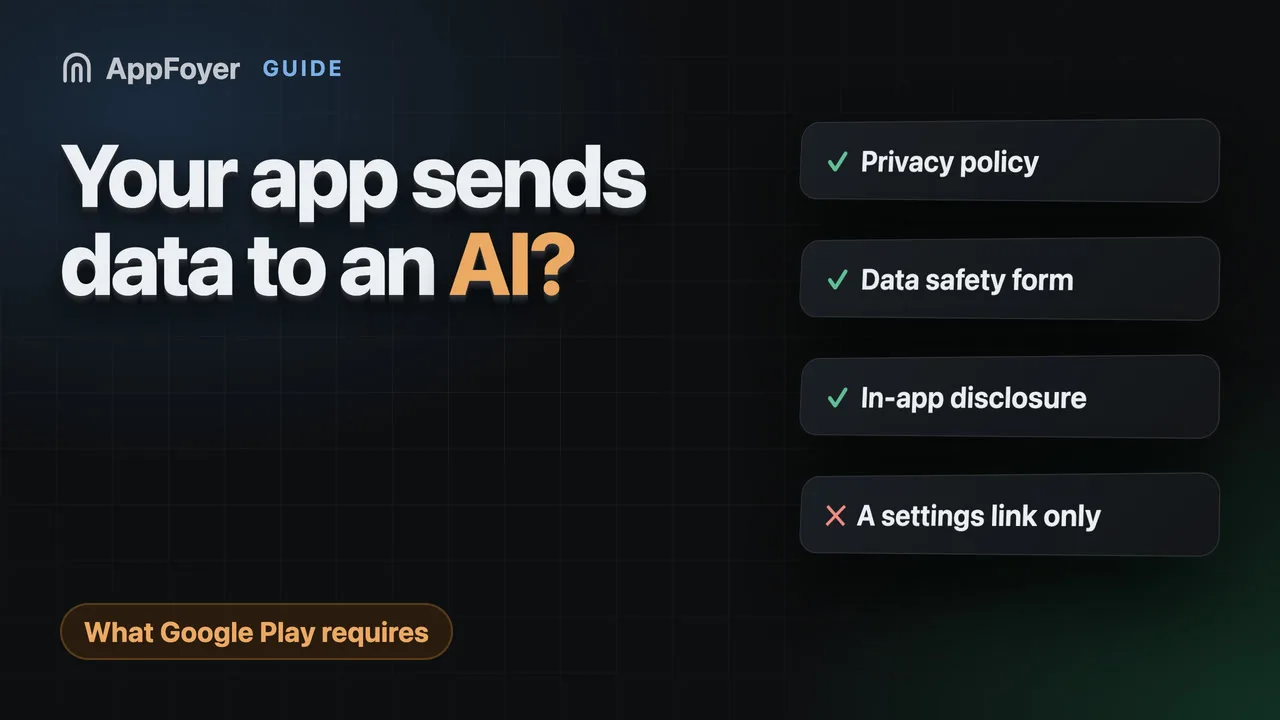
Google Play's User Data policy applies to third-party AI integrations, and you stay responsible for disclosure and consent. If your app sends user content to an AI API, that is data sharing with a third party: name it in your privacy policy, declare it in the Data safety form, and show a prominent in-app disclosure before it happens.
Do this in a few minutes instead
AppFoyer hosts the pages this guide is about — privacy policy, terms, support, account deletion and app-ads.txt — on their own subdomain, with no domain or server of your own. One app is free, and nothing a store requires is ever behind a paywall.
Checked 19 September 2026. Store policies change, sometimes without notice. Everything below links to the official documentation, and that page — not this one — is the authority. If the two disagree, the store is right.
Adding a “summarise this”, “ask about your notes” or “generate a caption” feature is three lines of networking code, which is exactly why it usually skips the compliance conversation entirely. From the store’s point of view you have just started sending your users’ content to a company they have never heard of.
Google Play closed the ambiguity in its User Data policy: “These requirements also apply to third-party AI integrations (such as products, services, code) and you remain responsible for ensuring compliance with this policy, including limited use, disclosure and consent.”
There is no special AI regime here. It is the ordinary data-sharing rule, stated so that nobody can argue the API call was different.
What counts
If user data leaves the device and reaches a model provider, it counts — whether you call it directly or through a wrapper:
- prompts containing anything the user typed, dictated, photographed or uploaded;
- documents, images and audio sent for processing;
- account or device identifiers attached to the request;
- conversation history you store and replay.
An on-device model that never sends anything to a server is a different case. If you are not certain which one you have, read the SDK’s documentation rather than assuming — several “on-device” libraries fall back to a server call.
The three places it has to appear
1. Your privacy policy. Play requires that the policy, together with any in-app disclosures, “comprehensively disclose how your app accesses, collects, uses, and shares user data”. Name the provider and say what is sent, what it is used for, and how long it is kept. “We may use third-party services to improve your experience” is not a disclosure; it is a way of not making one.
2. Your Data safety form. Sending user content to an external API is sharing with a third party, and the form asks about exactly that. Google Play’s position on a gap between the two is plain: “When Google becomes aware of a discrepancy between your app behavior and your declaration, we may take appropriate action, including enforcement action.” Traffic to an AI endpoint your form does not mention is exactly such a discrepancy.
3. An in-app disclosure, before it happens. This is the requirement developers skip because it is the only one that needs UI work. Play’s rules for it are specific: the disclosure “must be within the app itself, not only in the app description or on a website”, and it “must be displayed in the normal usage of the app and not require the user to navigate into a menu or settings”. Where consent is required, the dialog must be “clear and unambiguous” and take “affirmative user action (for example, tap to accept, tick a check-box)”.
A link to your privacy policy in a settings screen is not an in-app disclosure. A sentence on the screen where the feature is first used, before the first request, is.
Questions to answer before you ship the feature
- What exactly is in the prompt? Developers are routinely surprised by how much context their own code attaches.
- Does the provider train on it? Consumer and enterprise tiers of the same API often differ here, and it is a thing your policy states as fact.
- How long does the provider retain it? Name the window, or say you do not control it.
- Can the user avoid the feature? A feature that silently sends everything is a harder story than one the user opts into.
- What about minors? If your app reaches children, this is the point to stop and get advice.
Answer these in writing before the feature ships. Each one is a sentence in the policy, and if you cannot answer it you cannot honestly write the policy.
If your app generates content as well
Separate from data sharing, Play’s policies address AI-generated content — labelling it, and preventing the app from producing prohibited material. That is a content policy question rather than a privacy one, and it is worth reading the current policy text directly before launch; we have not summarised it here because it moves.
What AppFoyer does here
We draft your privacy policy from what is actually in your build files, so an AI SDK in your dependency list shows up as a named third party rather than being quietly omitted. The checklist keeps flagging the page while the third-party section is still a placeholder.
What we cannot do is the in-app disclosure — that is a screen in your app, and the policy is explicit that a website cannot stand in for it. And as always, the templates are a starting point, not legal advice. Anything involving minors or sensitive data is worth a lawyer’s hour.
The authoritative sources
- User Data policy — Google Play Help. Every quotation above is from this page; it is the text that decides.
- Provide information for Google Play’s Data safety section — Google Play Console Help
- App privacy details on the App Store — Apple