How to find out what your SDKs collect
A repeatable method, a worked example with Firebase's own published tables, and where to look for the vendors that do not publish one.
Open your dependency file, list every third-party SDK, then read each vendor's own data-disclosure page — Firebase, for example, publishes exactly which data each of its products collects. That list is the substance of your privacy policy and the source your Data safety and App Privacy answers must come from.
Do this in a few minutes instead
AppFoyer hosts the pages this guide is about — privacy policy, terms, support, account deletion and app-ads.txt — on their own subdomain, with no domain or server of your own. One app is free, and nothing a store requires is ever behind a paywall.
Checked 19 September 2026. Store policies change, sometimes without notice. Everything below links to the official documentation, and that page — not this one — is the authority. If the two disagree, the store is right.
Every store requirement about data comes down to one list, and almost nobody writes it down. Your privacy policy, your Data safety form and your App Privacy answers are three renderings of the same list — so making it once, properly, is the whole job.
Both stores are explicit that SDK behaviour counts as yours. Google Play says data collection “includes data collected and handled through any third-party libraries or SDKs used in their apps”. Apple asks you to identify the data “you or your third-party partners collect”.
Step 1 — find every SDK
Read the files, do not rely on memory:
| Platform | Files |
|---|---|
| Android | build.gradle / build.gradle.kts, libs.versions.toml, AndroidManifest.xml (permissions, meta-data) |
| iOS | Podfile, Package.swift, *.pbxproj, Info.plist (usage strings), *.entitlements |
| Flutter | pubspec.yaml |
| React Native / Expo | package.json, app.json |
Include transitive dependencies you did not choose: an SDK that pulls in an advertising library collects what that library collects.
Step 2 — read each vendor’s own disclosure
Most serious vendors publish a page saying exactly what their SDK sends, because their customers need it for these same forms. That page — not a blog post, not a forum answer — is your source.
Firebase is the worked example, because Google publishes a per-product breakdown mapped to Apple’s App Privacy categories:
| Firebase product | What it collects, per Google’s documentation |
|---|---|
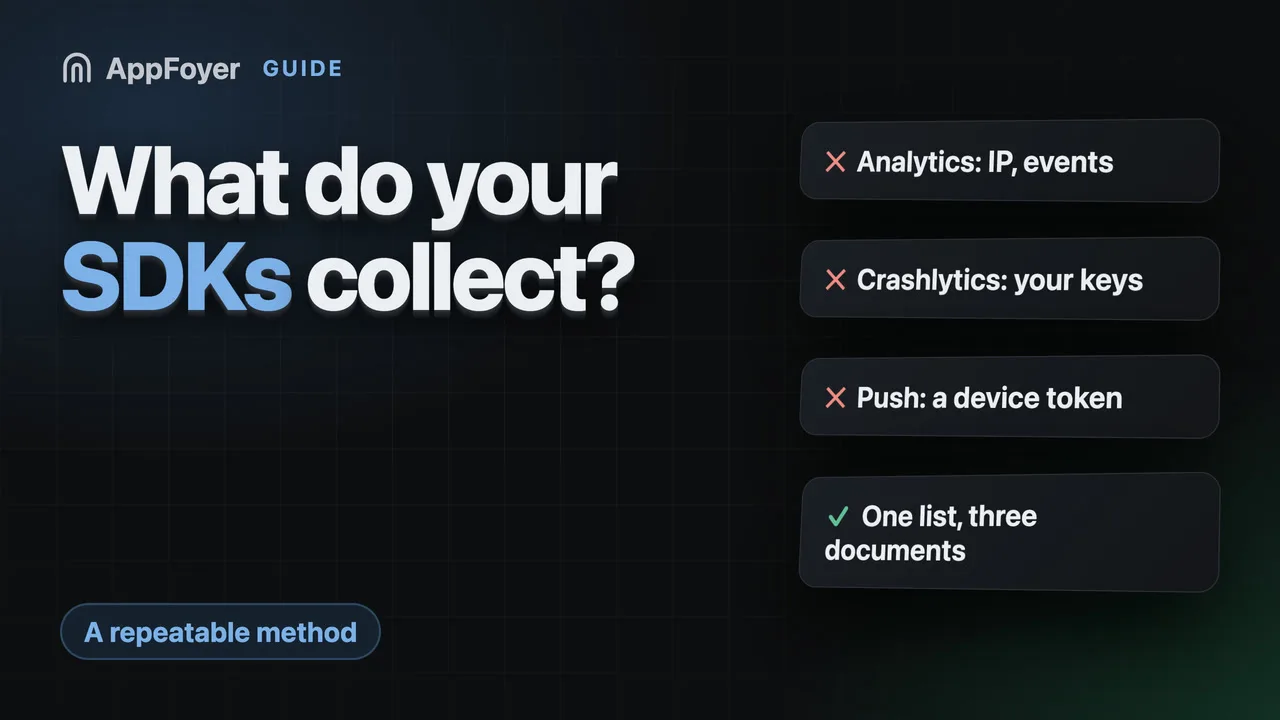
| Analytics | App instance ID, user properties, events, IP address |
| Crashlytics | Stack traces and application state at the crash, device and OS information, plus any custom keys, logs and user IDs you attach |
| Cloud Messaging | The push token associated with an app installation ID; device model, language, time zone, OS version, app identifier and version |
| Authentication | Identifiers it generates, plus email addresses, phone numbers and display names from the sign-in providers you enable |
| Performance Monitoring | Performance metrics such as launch time and network latency, device and OS information, IP address for geographic segmentation |
| Remote Config | Country and language code, time zone, OS version, app and bundle identifiers |
Read that table twice if you use Crashlytics: the last column is partly your doing. Custom keys and user IDs you attach to crash reports are data you chose to send, and they belong in your policy in your own words.
Other vendors with published disclosures worth going to directly: ad networks (AdMob, AppLovin, Unity, ironSource), attribution tools (AppsFlyer, Adjust), error reporting (Sentry, Bugsnag), purchases (RevenueCat, Adapty) and auth providers.
Step 3 — when the vendor publishes nothing
It happens, especially with smaller libraries. Then:
- Read the network traffic. Run the app through a proxy and look at what the SDK sends. This is the only method that cannot be argued with, and it settles the question in an afternoon.
- Read the source, if it is open.
- Ask the vendor in writing and keep the reply.
- Consider removing it. A dependency whose data behaviour nobody will state is a liability you are carrying for someone else’s convenience.
Step 4 — turn the list into the three documents
One list, three renderings, in this order:
- The privacy policy — categories, purposes, named third parties, retention, contact.
- The Data safety form in Play Console — the same facts as tick-boxes.
- App Privacy in App Store Connect — the same facts again, Apple’s categories.
Fill them from the list, never from each other. Where two disagree, the store believes the SDK: Google Play states that “when Google becomes aware of a discrepancy between your app behavior and your declaration, we may take appropriate action, including enforcement action”.
Keeping it true
The event that invalidates all three is always the same: a dependency changed. Put one line in your release checklist — did any dependency change this release? if so, re-check the policy and both forms — because both stores require these to stay accurate, not merely to have been accurate at launch.
What AppFoyer does here
This method is what our agent automates. Point a coding agent at the repository and it reads those dependency files, matches what it finds against a map of known SDKs, and drafts the privacy policy naming the third parties it found — reporting the file and line each fact came from, so you can check it rather than trust it. Without an agent, a short form asks the same questions.
What it produces is a draft you review. It cannot see a library it does not recognise, and it never publishes anything without your click.
The authoritative sources
- Privacy and security in Firebase and App Store data collection — Google. The table above comes from these pages; they are the authority, not this one.
- Provide information for Google Play’s Data safety section — Google Play Console Help
- App privacy details on the App Store — Apple