Keeping compliance straight across ten apps
What genuinely has to be per-app, what can be shared, the two mistakes portfolios make, and the register that turns a yearly panic into an afternoon.
The work does not scale linearly — each app needs its own URLs, its own deletion route and its own declarations, because each has its own store listing. What does scale is the method: one hostname pattern, one template per page type, and a per-app dependency list you regenerate rather than remember.
Do this in a few minutes instead
AppFoyer hosts the pages this guide is about — privacy policy, terms, support, account deletion and app-ads.txt — on their own subdomain, with no domain or server of your own. One app is free, and nothing a store requires is ever behind a paywall.
Checked 19 September 2026. Store policies change, sometimes without notice. Everything below links to the official documentation, and that page — not this one — is the authority. If the two disagree, the store is right.
One app is a checklist. Ten apps is a system, and the failure mode changes: nothing is hard, but something is always slightly out of date, and you find out from a rejection on the app you touched least recently.
What has to be per app
Not negotiable, because each app has its own store listing and its own data behaviour:
- The privacy policy. Different SDK sets mean different disclosures. A shared policy covering “our apps” is the classic portfolio mistake — see below.
- The account-deletion page, and a route that reaches you, per app.
- The Data safety and App Privacy declarations. Filled in per listing, from that app’s own dependency list.
app-ads.txt, if the app shows ads — it is located through that app’s listed website.- The URLs themselves, because each listing has its own fields.
What can genuinely be shared
- The template. One structure for every privacy policy, one for terms, filled per app.
- The hostname pattern. A predictable address per app beats a folder of ad-hoc URLs.
- The support address, if one inbox really does serve all of them.
- Your SDK knowledge. What Crashlytics or AdMob collects is the same fact in every app; only which apps include them differs.
- The process — the release checklist, the review cadence, the register below.
The two mistakes portfolios make
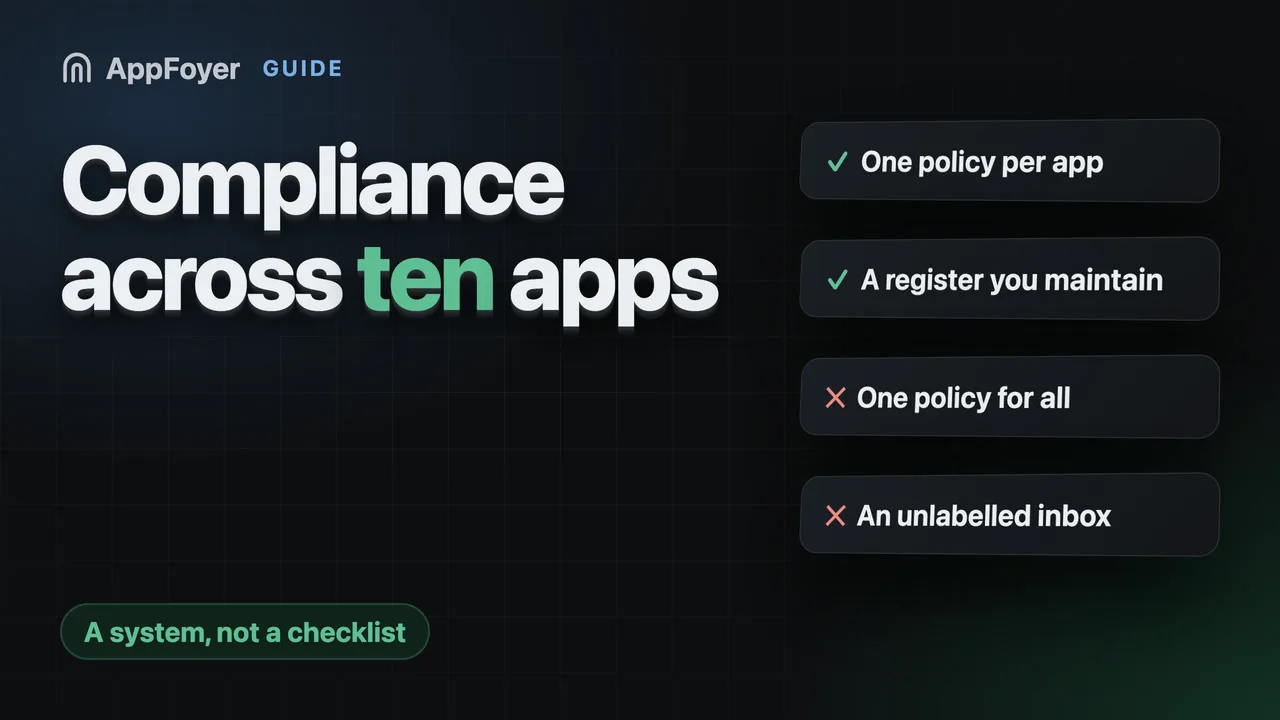
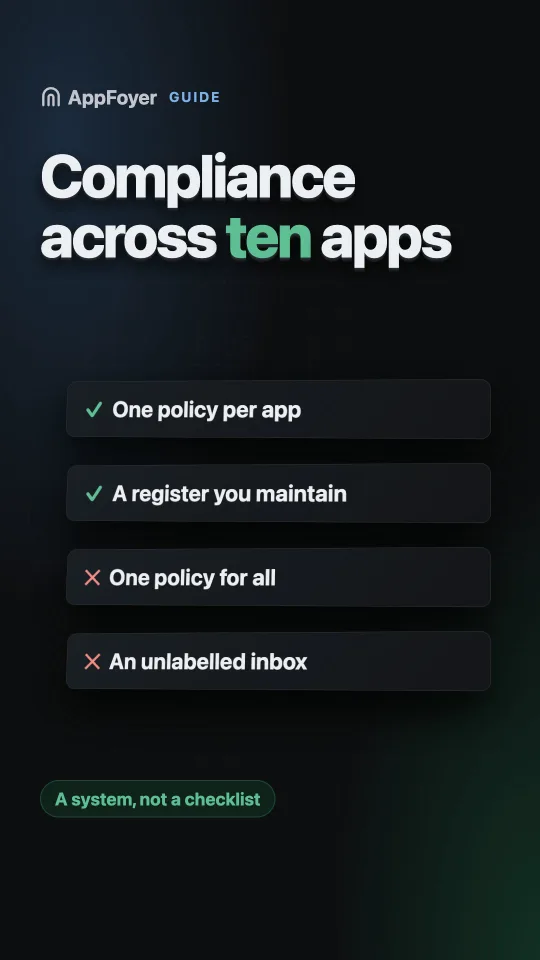
One policy for all the apps. It is the obvious economy and it fails in both directions: the policy lists data the quiet utility app never touches, and misses something the newest app added last month. Both are mismatches with a Data safety form you filled in honestly, and a reviewer comparing the two sees a policy that is not about this app.
A shared deletion inbox nobody attributes. Requests arrive saying “please delete my account” with no indication which of your ten apps they mean. You cannot action what you cannot identify, and the GDPR clock is running while you work it out. Route each app’s requests so the app is obvious from the notification.
The register
The thing that makes a portfolio manageable is a single table you actually maintain — a spreadsheet is fine. One row per app, and these columns:
| Column | Why |
|---|---|
| App name, bundle / application id | Identity |
| Stores it is listed in | Determines how many consoles to update |
| Privacy policy URL | The one you paste and re-paste |
| Account-deletion URL | Same |
| Support address / page | Same |
| Declared developer website | Where app-ads.txt is looked for |
| Shows ads? | Whether app-ads.txt applies at all |
| Has accounts? | Whether deletion applies at all |
| Key SDKs | The dependency list, in summary |
| Policy last reviewed | The date that tells you what is stale |
The last column is the one that earns its place. Both stores require declarations to stay accurate — not merely to have been accurate at launch — and “last reviewed” is how you find the three apps that have drifted without reading all ten.
A cadence that works
- Per release, per app: did any dependency change? If yes, re-check that app’s policy and both data forms. Put it in the release checklist, not in your memory.
- Quarterly, across the portfolio: open the register, sort by “last reviewed”, check the oldest few. Confirm every URL still returns 200 signed out.
- Whenever a URL moves: update every console for every affected app, and keep the old address redirecting. With ten apps this is the change most likely to be done nine-tenths of the way.
A ten-line script that curls every URL in the register and reports non-200s is an afternoon’s work and catches the failure that actually happens — a host that quietly went away.
What AppFoyer does here
Each app is its own app: its own subdomain, its own five pages, its own app-ads.txt, its own
notification channels, its own checklist. There is no shared policy to get wrong, and each app’s
deletion requests arrive identified by app.
The dashboard’s checklist is the register’s live half — per app, it says which store field is still empty and why it matters, so “what is stale” is a screen rather than a spreadsheet column you forgot to update. Plans differ by how many apps you may publish: one on Free, ten on Pro, fifty on Advanced.
Being straight about the limits of this: bulk editing and app groups do not exist yet. Adding an ad network line to fifteen apps today is fifteen edits. That work is planned and is not shipped, and a page selling you a portfolio tool should say which of it is real.
The authoritative sources
- Provide information for Google Play’s Data safety section — Google Play Console Help, on keeping declarations accurate
- App privacy details on the App Store — Apple, on keeping responses up to date
- Set up app-ads.txt — AdMob Help