앱에 이용약관이 필요할까요?
각 스토어가 실제로 요구하는 것, '필수'와 '두는 편이 좋음'이 서로 다른 답인 이유, 그리고 앱 약관에서 실제로 역할을 하는 다섯 가지 섹션.
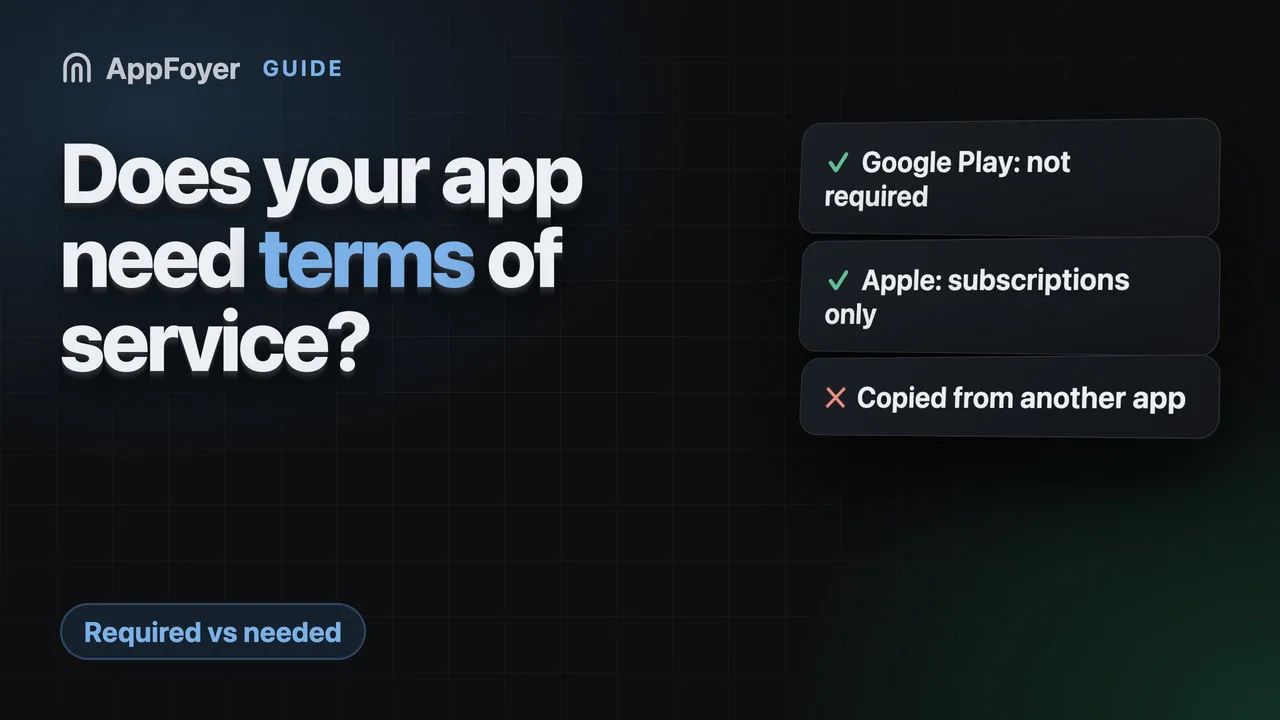
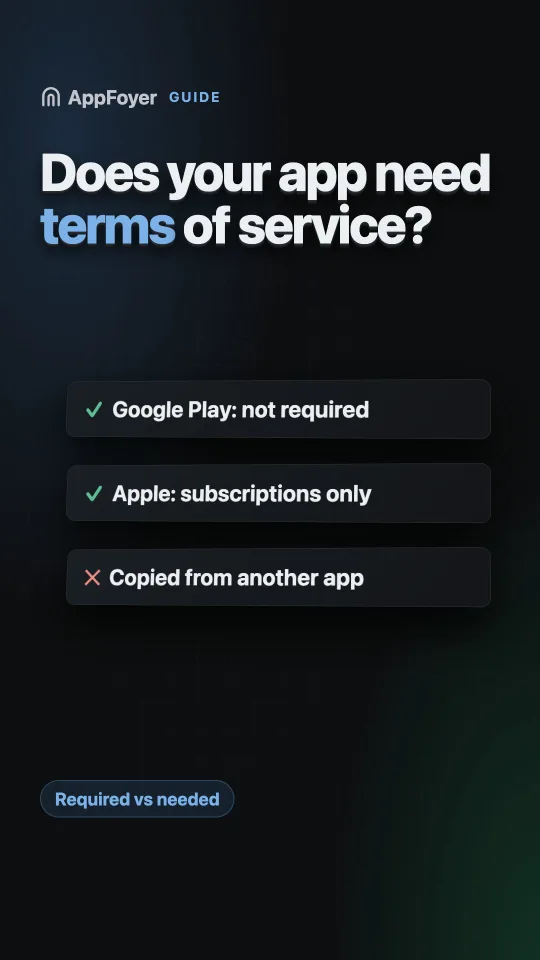
Google Play는 이용약관을 요구하지 않으며 개인정보처리방침만 요구합니다. Apple은 Terms of Use 링크를 요구하지만, 자동 갱신 구독을 판매하는 앱에 한하며 Apple의 표준 EULA로 이를 충족할 수 있습니다. 그래도 약관은 계정, 결제, 책임 문제에서 중요하며, 그래서 대부분의 앱이 약관을 게시합니다.
대신 몇 분 만에 끝내세요
AppFoyer는 이 가이드가 다루는 페이지, 즉 개인정보처리방침, 이용약관, 지원, 계정 삭제 페이지와 app-ads.txt를 전용 하위 도메인에서 호스팅합니다. 직접 도메인이나 서버를 둘 필요가 없습니다. 앱 하나는 무료이며, 스토어가 요구하는 것은 무엇도 유료로 막아 두지 않습니다.
2026년 9월 19일 확인. 스토어 정책은 바뀌며, 예고 없이 바뀌기도 합니다. 아래의 모든 내용은 공식 문서로 연결되며, 권위를 갖는 것은 이 페이지가 아니라 그 문서입니다. 둘이 다르면 스토어가 맞습니다. 이 가이드는 영어 원문을 번역한 것이며, 스토어 문서의 인용문은 영어 원문 그대로 두었습니다.
두 스토어 모두 이용약관을 요구한다고 자신 있게 말하는 글이 인터넷에 많습니다. 하지만 스토어 자체의 페이지를 읽어 보면 그렇게 쓰여 있지 않습니다. 그래서 이 질문 안에 숨어 있는 세 가지 다른 질문을 구분해 볼 가치가 있습니다.
Google Play에서 필수인가요?
아닙니다. Play의 User Data 정책은 무엇을 어디에 링크해야 하는지 구체적으로 정하고 있습니다. “All apps must post a privacy policy link in the designated field within Play Console, and a privacy policy link or text within the app itself.”(번역: 모든 앱은 Play Console의 지정된 필드에 개인정보처리방침 링크를 게시하고, 앱 자체 내에도 개인정보처리방침 링크나 텍스트를 게시해야 합니다.) 개인정보처리방침이 두 번 나옵니다. 이용약관에 대해서는 아무 말도 없고, 이를 위한 콘솔 필드도 없습니다.
Play Console의 App content 섹션은 개인정보처리방침 URL과, 앱에 계정이 있다면 데이터 삭제 URL을 요구합니다. 약관은 그 목록에 없습니다.
Apple에서 필수인가요?
한 가지 경우에만 필수이며, 그것은 흔한 경우입니다. 자동 갱신 구독을 제공하는 앱입니다. 가이드라인 3.1.2는 개인정보처리방침과 Terms of Use (EULA) 모두에 대한 작동하는 링크를 앱 내부와 메타데이터에 둘 것을 요구합니다.
그 EULA를 직접 작성할 필요는 없습니다. Apple이 표준 EULA를 공개하고 있으므로 대신 그것을 링크해도 됩니다. 각 버전을 어디에 넣는지는 Terms of Use (EULA) 가이드를 참고하십시오.
구독이 없는 앱이라면 Apple도 약관을 요구하지 않습니다.
그런데 왜 거의 모든 앱에 약관이 있을까요?
“스토어에서 필수가 아니다”와 “필요 없다”는 서로 다른 말이기 때문입니다. 약관은 개인정보처리방침이 다루지 않는 질문에 답하는 문서입니다.
- 누가 앱을 사용할 수 있는지, 그리고 누군가 앱을 악용하면 어떻게 되는지. 약관이 없으면 계정을 해지할 명시적 근거가 없습니다.
- 사용자에게 무엇을 책임지는지, 그리고 무엇을 책임지지 않는지. 보증 부인과 책임 제한이 여기에 들어가며, 약관이 존재하는 이유 자체가 이것입니다.
- 사용자가 무엇을 책임지는지. 결제, 허용되는 사용, 사용자가 업로드하는 콘텐츠입니다.
- 어느 법이 적용되는지, 그리고 분쟁을 어디에서 다루는지.
- 약관이 어떻게 변경되는지, 그리고 어떤 조항이 집행 불가능하면 어떻게 되는지.
앱에 계정이 있거나, 돈을 받거나, 사용자 콘텐츠를 호스팅하거나, 조금이라도 모더레이션을 한다면, 언젠가는 이 질문들에 대한 답이 필요해집니다. 분쟁이 생기기 전에 작성하는 편이 나중보다 저렴합니다.
앱 약관에 들어가야 할 내용
보통 이 순서로 읽을 때 가장 자연스러운, 실용적인 섹션 구성입니다.
| 섹션 | 정하는 내용 |
|---|---|
| 앱 사용 | 사용 라이선스, 허용되는 사용, 계정이 해지되는 사유 |
| 계정 | 누가 가입할 수 있는지, 정지할 권리, 사용자의 삭제 권리 |
| 구매 및 구독 | 청구, 갱신, 환불, 그리고 결제를 처리하는 것은 개발자가 아니라 스토어라는 점 |
| 지식재산권 | 앱의 소유자, 사용자가 업로드한 것의 소유자 |
| 면책 및 책임 제한 | 문서의 핵심 |
| 변경 | 약관을 어떻게 갱신하고 사용자에게 어떻게 알리는지 |
| 연락처 | 실제 주소 |
여기에 없는 것에 주목하십시오. 데이터 처리입니다. 그것은 개인정보처리방침에 들어갈 내용이며, 두 문서에 중복해서 쓰면 결국 두 문서가 서로 모순되게 됩니다.
피해야 할 것
- 다른 앱의 약관을 이름만 바꿔 복사하기. 다른 사람의 사업을 설명하는 문서라는 문제에 더해 저작권 문제까지 생깁니다.
- 할 수 없는 것을 약속하기. 모든 데이터를 즉시 삭제한다거나 가동 시간을 보장한다고 쓴 약관은 아무 말도 하지 않는 것보다 나쁩니다.
- 관할을 아무렇게나 정하기. 준거법은 실제 결과를 낳는 실제 선택입니다.
- 약관을 숨기기. 지난 리디자인에서 제거한 링크로만 약관에 접근할 수 있다면, 방어 수단으로서는 별 쓸모가 없습니다.
AI 어시스턴트로 작성하기
어시스턴트는 기꺼이 약관을 써 주지만, 흔한 실패는 개인정보처리방침의 경우와 같습니다. “내 앱의
이용약관”을 요청하면, 지금까지 읽은 모든 약관의 평균을 써 냅니다. 중재 조항, 가 본 적도 없는 주의
법원, 가동 시간에 대한 약속 같은 것입니다. 아래 프롬프트는 어시스턴트가 위의 표준 섹션만 쓰도록 하고,
작성 전에 앱이 실제로 무엇을 하는지(로그인, 구매, 사용자 콘텐츠) 확인하게 하며, 모르는 것은 지어내지
않고 [confirm: …]로 표시하게 합니다. 앱이 iOS에서 결제를 받는다면 Apple의 표준 EULA 링크를 반드시
포함해야 합니다.
전체를 그대로 복사하십시오. 맨 위의 대괄호 안 정보를 바꾸거나, 그대로 두고 어시스턴트가 묻게 하십시오.
You are helping me write the terms of service for my mobile app. They will be published as a web page on AppFoyer, next to the app's privacy policy, and linked from the app and its store listings. They should be short, standard and true for this app.

## About the app

- App name: [app name]
- Developer / company: [developer or company name]
- Support email: [support email]
- Platforms: [Android, iOS or both]
- Store listings: [store listing URLs, or "not listed yet"]
- Where these terms will be published: [your AppFoyer site URL]/terms
- What the app collects, as I declared it: [what the app collects — e.g. account info, analytics, ads, crash reports, location, purchases, or nothing]
- Account deletion page: [your AppFoyer site URL]/account-deletion (only if the app has user accounts)
- Country whose law applies: [country, if you have one]

## Step 1 — find the facts

If you can read this app's source code, read only its build, manifest and store-metadata files — for example `build.gradle(.kts)`, `gradle/libs.versions.toml`, `AndroidManifest.xml`, `Podfile.lock`, `Package.swift`, `Info.plist`, `PrivacyInfo.xcprivacy`, `pubspec.yaml`, `package.json`, `app.json`. Do not open `.env` files, keystores, credentials or any other secrets, and do not change any file.

From them, work out only what changes the terms:

- whether users sign in or create accounts (Firebase Auth, Sign in with Apple, Google Sign-In and the like);
- whether the app sells in-app purchases or subscriptions (StoreKit, Google Play Billing, RevenueCat and the like);
- whether users can post, upload or send content that others see (chat, comments, photos, profiles);
- whether the app shows ads or links to third-party services.

Show me that short list with the file each fact came from and ask me to confirm it. If you cannot read the code, ask me these four questions instead.

## Step 2 — ask only what you cannot know

Then ask me, in one short numbered list, and wait for my answers:

1. The minimum age to use the app.
2. Whether the app is free to use for personal purposes only, or also for business use.
3. If users can post content: what is not allowed, and whether I may remove it or close accounts.
4. Anything else you could not determine.

Never guess. Where I do not know an answer, write `[confirm: …]` in the text instead of inventing one.

## Step 3 — write the terms

Sections, in this order, leaving out any that do not apply: Acceptance of these terms · Use of the App · Accounts · Purchases and subscriptions · User content · Intellectual property · Third-party services · Disclaimer and limitation of liability · Termination · Changes to these terms · Governing law (as the placeholder below) · Contact.

- Standard, plain-language terms for a mobile app. Keep each section to a few sentences; this is not a contract negotiation.
- Purchases and subscriptions: payments are processed by the app store, prices are shown before purchase, subscriptions renew automatically until cancelled in the store account settings, refunds follow the store's policy.
- Disclaimer and limitation of liability: the app is provided "as is", and liability is limited "to the extent permitted by law".
- Do not describe how personal data is handled; that is the privacy policy's job.
- Do not promise what I cannot guarantee — uptime, instant deletion, error-free operation.
- Do not invent a company address, a court, arbitration or a jurisdiction — use `[confirm: …]`.
- Do not copy another app's terms.
- Start with `# Terms of Service`, then the line `_Last updated: [today's date]_`.
- Write these placeholders exactly as shown, never the values — they are filled in from my settings when the page is published: `{{app_name}}`, `{{developer_name}}`, `{{support_email}}`, `{{public_url}}`.
- In the Contact section, write the address as `[{{support_email}}](mailto:{{support_email}})`.
- Refer to the privacy policy as `[Privacy Policy]({{public_url}}/privacy)` instead of describing data handling here.
- If the app has user accounts, say in the Accounts section that users can request account deletion at `[{{public_url}}/account-deletion]({{public_url}}/account-deletion)`.
- Mandatory if the app is on iOS and has any in-app purchase or subscription — declared above, found in the build files or confirmed by me: in the Purchases and subscriptions section, include this sentence unchanged: For the iOS version, Apple's standard [Licensed Application End User License Agreement](https://www.apple.com/legal/internet-services/itunes/dev/stdeula/) applies to your use of the App. Never leave it out when the app takes payments.
- For governing law, write the line `{{governing_law}}` on its own and nothing else — it becomes the governing-law section when a country is set in my settings, and disappears when none is.
- End with this paragraph, unchanged:

  _This page was generated from a template provided by the hosting platform and completed by the app developer. It is not legal advice. The developer named above is solely responsible for its accuracy and for complying with the laws that apply to them._

## Format — this is pasted into a Markdown editor

- Reply with the finished terms only, as Markdown inside one ```markdown code block, with nothing before or after it.
- CommonMark only: headings, paragraphs, lists, bold, italics and links. No tables, no HTML, no images, no footnotes.
- Links only to `{{public_url}}` (for example the privacy policy), to Apple's EULA as above and to the support email. Any other link is shown as plain text on the published page, so leave it out. No link shorteners, no download links.
이 프롬프트는 AppFoyer에 게시하는 페이지용으로 작성되었으며, 그래서 {{app_name}} 형식의 자리표시자를
요구하고 저희 면책 문구로 끝납니다. 다른 곳에 게시한다면 Step 3의 해당 줄을 지우고 대신 실제 값을
요청하십시오. 개인정보처리방침은
AI 어시스턴트로 개인정보처리방침 작성하기를 참고하십시오.
AppFoyer가 여기서 하는 일
약관은 저희가 생성하는 다섯 페이지 중 하나이며, 개인정보처리방침, 지원, 계정 삭제 페이지와 함께 제공됩니다. 템플릿은 위의 섹션을 다루고, 앱 이름, 개발자 이름, 지원 주소, 스토어 링크를 채우며, 앱이 iOS에서 구독을 판매한다고 알려 주면 Apple의 표준 EULA 링크를 포함한 구독 섹션을 추가합니다.
대시보드의 약관 편집기에는 Write it with your own AI(직접 쓰는 AI로 작성하기) 패널도 있습니다. 위의 프롬프트에 앱 정보가 이미 채워져 있습니다. 아무 어시스턴트에서나 실행하고, 답변을 다시 붙여 넣고, 미리보기를 읽은 뒤 게시하십시오.
컴플라이언스 체크리스트는 페이지가 게시될 때까지, 그리고 구독 앱의 경우 EULA 링크가 실제로 들어갈 때까지 이 페이지를 계속 표시합니다.
생성되는 모든 페이지와 마찬가지로, 이것은 직접 완성하고 책임지는 템플릿이며 법률 조언이 아닙니다. 앱이 돈, 건강 데이터, 아동과 관련된다면 변호사에게 검토를 받으십시오.
공식 출처
- User Data policy — Google Play 고객센터. 위의 인용문은 이 페이지에서 가져왔습니다.
- App Store Review Guidelines — Apple. 섹션 3.1.2가 구독 규정입니다.
- Licensed Application End User License Agreement — Apple의 표준 EULA.