AI 어시스턴트로 앱 개인정보처리방침 작성하기 — 제대로 동작하는 프롬프트
“개인정보처리방침을 써 줘”가 왜 일반적인 문구만 내놓는지, 프롬프트가 어시스턴트에게 대신 무엇을 시켜야 하는지, 그리고 Claude, ChatGPT, Cursor나 어떤 코딩 에이전트에도 복사해 쓸 수 있는 완성된 프롬프트.
어시스턴트에게 설문지가 아니라 근거를 주세요. 코딩 에이전트에게 앱의 빌드 파일을 가리켜 앱이 실제로 포함한 SDK와 권한을 밝히게 하고, 알 수 없는 것만 묻게 하고, 추측을 금지하세요. 모르는 것은 [confirm] 메모가 됩니다. 그런 다음 의존성 파일에 있는 모든 SDK가 결과에 나오는지 확인하세요.
대신 몇 분 만에 끝내세요
AppFoyer는 이 가이드가 다루는 페이지, 즉 개인정보처리방침, 이용약관, 지원, 계정 삭제 페이지와 app-ads.txt를 전용 하위 도메인에서 호스팅합니다. 직접 도메인이나 서버를 둘 필요가 없습니다. 앱 하나는 무료이며, 스토어가 요구하는 것은 무엇도 유료로 막아 두지 않습니다.
2026년 9월 19일 확인. 스토어 정책은 바뀌며, 예고 없이 바뀌기도 합니다. 아래의 모든 내용은 공식 문서로 연결되며, 권위를 갖는 것은 이 페이지가 아니라 그 문서입니다. 둘이 다르면 스토어가 맞습니다. 이 가이드는 영어 원문을 번역한 것이며, 스토어 문서의 인용문은 영어 원문 그대로 두었습니다.
AI 어시스턴트는 10초 만에 개인정보처리방침을 씁니다. 문제는 무엇을 바탕으로 쓰느냐입니다. “내 피트니스 앱의 개인정보처리방침을 써 줘”라고 하면 어시스턴트가 가진 것은 “피트니스”라는 단어뿐이므로, 지금까지 읽은 모든 개인정보처리방침의 평균을 만들어 냅니다. 앱이 설정하지도 않는 쿠키에 관한 조항, 광고가 없는 앱의 광고 식별자, “필요한 기간 동안”이라는 보관 기간, 그리고 실제로 포함한 SDK는 하나도 없습니다. 읽기에는 그럴듯합니다. 하지만 이것은 스토어 심사자가 Data safety 양식과 App Privacy 답변과 비교하는 부분이며, 바로 그 비교에서 실패합니다.
한 줄짜리 프롬프트가 실패하는 이유
- 지어냅니다. 섹션을 채우라는 요청을 받은 모델은 그것을 채웁니다. 보관 기간, 법적 근거, 회사 주소. 하나하나 그럴듯하지만, 하나하나가 개발자가 하지 않은 사업상의 진술입니다.
- 구체적이어야 할 곳에서 일반적입니다. 가장 중요한 섹션은 서드파티 서비스 목록인데, 의존성 파일을 보지 못한 모델은 그 이름을 댈 수 없습니다.
- 과다 신고합니다. 수집하지 않는 데이터를 나열하는 것은 “안전”하지 않습니다. 스토어에 직접 신고한 내용과의 불일치이며, 방향만 반대인 같은 문제입니다.
- 채팅 창에 맞춰 서식을 만듭니다. 표, 각주, 인라인 HTML은 답변에서는 멀쩡해 보이지만, 어디에 붙여 넣든 깨진 채로 도착합니다.
프롬프트가 시켜야 하는 것
- 먼저 근거를 읽게 합니다. 저장소에서 열린 코딩 에이전트(Claude Code, Cursor, Codex 등)는
build.gradle,Podfile.lock,Info.plist, 매니페스트를 읽고 모든 SDK와 권한을 그것이 나온 파일과 함께 나열할 수 있습니다. 그 목록이 방침의 실질적인 내용입니다. 파일에 접근할 수 없는 채팅 어시스턴트에게는 그 파일들을 붙여 넣어 달라고 요청하도록 지시해야 합니다. - 그 밖의 모든 것에는 손대지 않게 합니다. 빌드 파일과 매니페스트 파일이면 충분합니다.
.env파일, 키스토어, 소스 코드를 열 이유가 없으며, 프롬프트가 그렇게 말해 두면 걱정거리가 하나 줄어듭니다. - 읽을 수 없는 것만 묻게 합니다. 데이터를 얼마나 오래 보관하는지, 백엔드가 있는지, 앱이 아동을 대상으로 하는지, 빌드에 흔적을 남기지 않는 파트너와 데이터를 공유하는지. 그 밖에는 물을 것이 없습니다.
- 추측을 거부하게 합니다. 모르는 곳에는 문장 대신
[confirm: …]를 씁니다. 눈에 보이는 공백은 고칠 수 있지만, 지어낸 조항은 게시된 진술이 됩니다. - 게시될 곳에 맞춰 쓰게 합니다. 일반 Markdown, 유용한 곳에만 링크(제공업체 자체의 개인정보 페이지, 지원 주소), 그리고 이 텍스트가 법률 자문이 아니라는 고지.
프롬프트
통째로 복사하세요. 맨 위의 대괄호 안 사실을 바꾸거나, 그대로 두고 어시스턴트가 묻게 하세요.
You are helping me write the privacy policy for my mobile app. It will be published as a web page on AppFoyer and its URL goes into the "Privacy policy" field of Google Play and App Store Connect, where reviewers compare it with what the app actually does. Accuracy matters more than length.

## About the app

- App name: [app name]
- Developer / company: [developer or company name]
- Support email: [support email]
- Platforms: [Android, iOS or both]
- Store listings: [store listing URLs, or "not listed yet"]
- Where this policy will be published: [your AppFoyer site URL]/privacy
- What the app collects, as I declared it: [what the app collects — e.g. account info, analytics, ads, crash reports, location, purchases, or nothing]
- Account deletion page: [your AppFoyer site URL]/account-deletion (only if the app has user accounts)
- Country whose law applies: [country, if you have one]

## Step 1 — find the facts

If you can read this app's source code, read only its build, manifest and store-metadata files — for example `build.gradle(.kts)`, `gradle/libs.versions.toml`, `AndroidManifest.xml`, `Podfile.lock`, `Package.swift`, `Info.plist`, `PrivacyInfo.xcprivacy`, `pubspec.yaml`, `package.json`, `app.json`. Do not open `.env` files, keystores, credentials or any other secrets, and do not change any file.

From them, list:

- every third-party SDK or service that collects or receives user data (analytics, ads, crash reporting, sign-in, payments, push notifications, backend, AI APIs) and what it receives;
- every permission the app requests and the feature that uses it;
- whether the app sells in-app purchases or subscriptions (StoreKit, Google Play Billing, RevenueCat and the like).

Show me that list with the file each fact came from, point out anything that contradicts what I declared above, and ask me to confirm it.

If you cannot read the code, ask me to paste the dependency files (for example `app/build.gradle` and `Podfile`) or to list the SDKs and permissions myself.

## Step 2 — ask only what you cannot know

Then ask me, in one short numbered list, and wait for my answers:

1. How long each kind of data is kept, and whether there is a backend (where it runs, what it stores).
2. Whether the app is directed at children under 13.
3. Whether any data is shared with or sold to anyone beyond the services above.
4. Whether the app takes any payments, if the files did not settle it.
5. Anything else you could not determine.

Never guess. Where I do not know an answer, write `[confirm: …]` in the text instead of inventing one.

## Step 3 — write the policy

Sections, in this order, leaving out any that do not apply: Data we collect · How we use it · Third-party services · Purchases and subscriptions · Permissions · Data retention and deletion · Children · Your choices and rights · Changes to this policy · Contact.

- Plain language, short sentences. Describe what this app does; no clauses about things it does not do.
- Under Third-party services, name each provider, say what it receives and why, and link its own privacy policy page.
- Do not invent retention periods, legal bases, company addresses or a data protection officer — use `[confirm: …]`.
- Start with `# Privacy Policy`, then the line `_Last updated: [today's date]_`.
- Write these placeholders exactly as shown, never the values — they are filled in from my settings when the page is published: `{{app_name}}`, `{{developer_name}}`, `{{support_email}}`, `{{public_url}}`.
- In the Contact section, write the address as `[{{support_email}}](mailto:{{support_email}})`.
- If the app has user accounts, link account deletion as `[{{public_url}}/account-deletion]({{public_url}}/account-deletion)` in the retention and deletion section.
- Mandatory if the app is on iOS and has any in-app purchase or subscription — declared above, found in the build files or confirmed by me: in the Purchases and subscriptions section, include this sentence unchanged: For the iOS version, Apple's standard [Licensed Application End User License Agreement](https://www.apple.com/legal/internet-services/itunes/dev/stdeula/) applies to your use of the App. Never leave it out when the app takes payments.
- End with this paragraph, unchanged:

  _This page was generated from a template provided by the hosting platform and completed by the app developer. It is not legal advice. The developer named above is solely responsible for its accuracy and for complying with the laws that apply to them._

## Format — this is pasted into a Markdown editor

- Reply with the finished policy only, as Markdown inside one ```markdown code block, with nothing before or after it.
- CommonMark only: headings, paragraphs, lists, bold, italics and links. No tables, no HTML, no images, no footnotes.
- Links only to the providers' own privacy policy pages, to `{{public_url}}`, to Apple's EULA as above and to the support email. Any other link is shown as plain text on the published page, so leave it out. No link shorteners, no download links.
이 프롬프트는 AppFoyer에 게시되는 페이지용으로 작성되었습니다. 그래서 {{app_name}} 형식의 자리표시자를 요구하고 저희 고지문으로 끝납니다. 다른 곳에 게시한다면 Step 3에서 자리표시자, 삭제 링크, 마지막 문단에 관한 줄을 지우고 대신 실제 값을 요청하세요.
작성된 결과를 게시하기 전에
초안은 어시스턴트가 썼지만, 게시하는 사람은 개발자입니다. 다음 순서로 확인하세요.
- 의존성 파일에 있는 모든 SDK가 방침에 나오고, 거기 없는 것은 나오지 않는지. 기계적인 테스트이며, 심사자가 사실상 수행하는 테스트입니다.
- 모든
[confirm: …]가 실제 답으로 바뀌었는지, 아니면 그 문장이 삭제되었는지. - 서드파티 섹션이 Data safety 양식 및 App Privacy 답변과 일치하는지. 서로 다르다면 둘 중 하나가 틀린 것입니다. 어느 쪽이든 고치세요.
- 앱이 결제를 받는다면 Apple EULA 링크가 있는지. 앱 내 구매나 구독이 있는 iOS 앱은 개인정보처리방침에서 Apple의 표준 Licensed Application End User License Agreement를 링크합니다. 프롬프트가 이를 요청하므로, 결과에 남아 있는지 확인하세요.
- 보관 기간이 개발자 본인의 것인지. 백엔드가 무엇을 얼마나 오래 보관하는지는 개발자만 압니다.
- 특이한 것은 변호사에게. 건강 데이터, 금융, 아동, 또는 파트너와 공유하는 데이터. 프롬프트가 템플릿이 다룰 수 없는 범위를 바꿔 주지는 않습니다.
AppFoyer가 여기서 하는 일
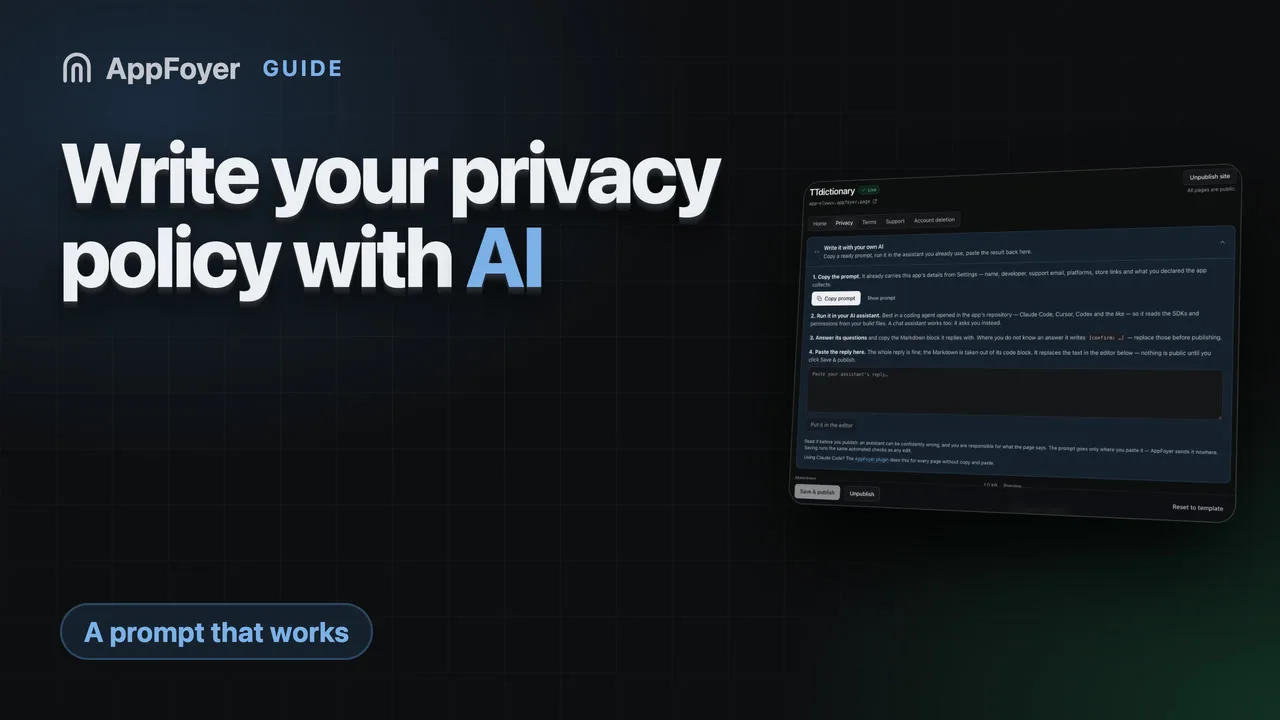
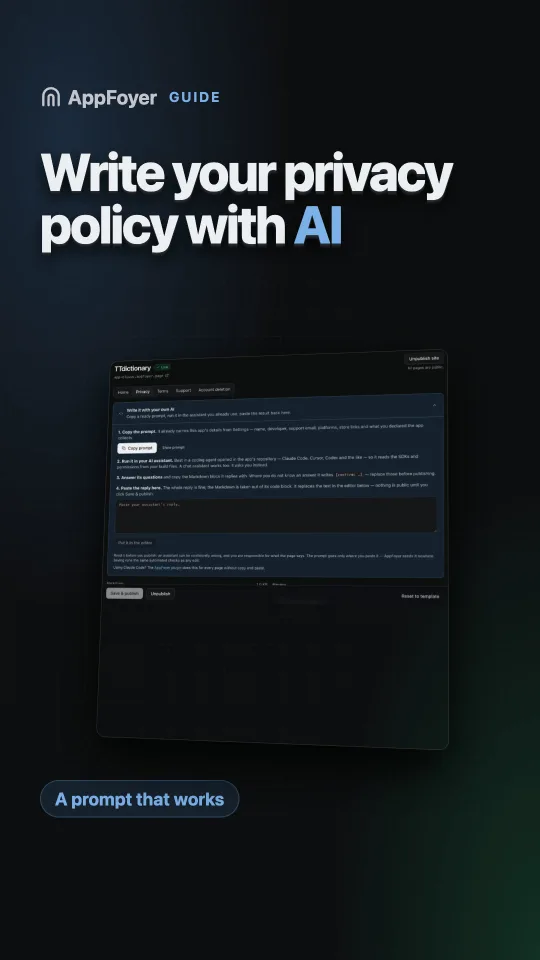
대시보드의 개인정보처리방침 페이지 편집기에는 Write it with your own AI(내 AI로 작성하기) 패널이 있습니다. 같은 프롬프트가 앱 이름, 개발자, 지원 이메일, 플랫폼, 스토어 링크, 신고한 데이터로 이미 채워져 있습니다. 복사해서 사용하는 어시스턴트에서 실행하고, 답변을 패널에 다시 붙여 넣으세요. Markdown이 코드 블록에서 꺼내져 편집기에 들어가며, 미리보기는 게시될 내용을 정확히 보여 줍니다. 게시를 클릭하기 전에는 아무것도 공개되지 않으며, 텍스트는 다른 모든 편집과 같은 자동 검사를 거칩니다.
약관 페이지에도 자체 프롬프트가 있는 같은 패널이 있습니다. 그 프롬프트는 앱에 서비스 약관이 필요한가요?에 실려 있습니다. Claude Code를 쓴다면 AppFoyer 플러그인이 복사·붙여 넣기 없이 다섯 페이지 모두에 대해 같은 일을 하며, 플러그인 역시 게시할 수 없습니다. 어느 경로도 법률 자문이 아니며, 모든 페이지에 그렇게 적혀 있습니다.
공식 출처
- Privacy policy requirements — Google Play 고객센터
- Provide information for Google Play’s Data safety section — Google Play Console 고객센터. SDK 데이터도 개발자가 신고해야 한다는 내용
- App privacy details on the App Store — Apple