Guides Terms, support and listing
What a subscription paywall has to say
The facts both stores require before purchase, the links Apple wants on the paywall itself, and why these rejections are almost always about placement rather than wording.
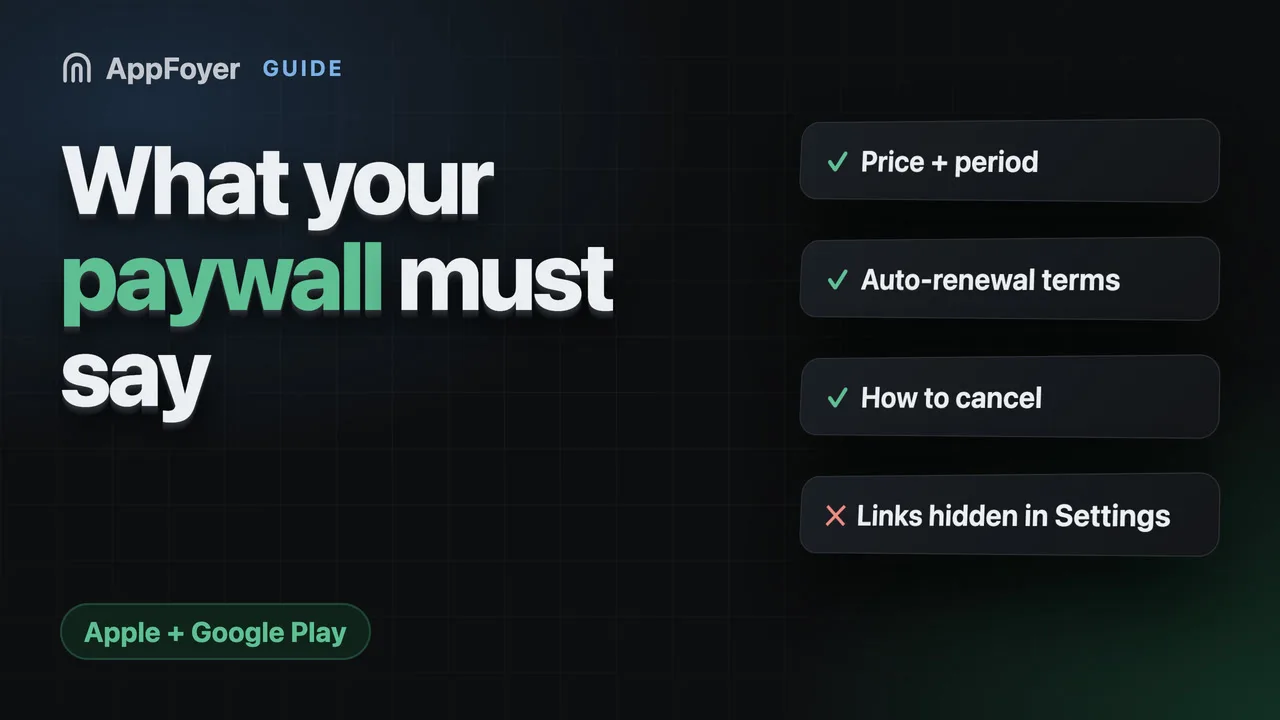
Both stores require the same facts to be visible before purchase: what the subscription costs, how often it renews, that it renews automatically, and how to cancel. Apple adds functional links to a privacy policy and Terms of Use on the paywall itself. Most rejections are about placement, not wording.
Do this in a few minutes instead
AppFoyer hosts the pages this guide is about — privacy policy, terms, support, account deletion and app-ads.txt — on their own subdomain, with no domain or server of your own. One app is free, and nothing a store requires is ever behind a paywall.
Checked 19 September 2026. Store policies change, sometimes without notice. Everything below links to the official documentation, and that page — not this one — is the authority. If the two disagree, the store is right.
A paywall is the screen most likely to get your app sent back, because it is where two stores’ requirements land on one piece of UI. The good news is that the requirements barely differ.
What Google Play requires
Play’s subscriptions policy is direct about transparency. You must be clear about the offer, including “clearly and explicitly disclosing your offer terms, the cost of your subscription, the frequency of your billing cycle, the automatic renewal terms, whether a subscription is required to use the app, and any other material information”.
Two things people underweight in that sentence:
- “whether a subscription is required to use the app.” If the app is unusable without paying, say so on the paywall rather than letting the user discover it.
- Information should not require additional action to review. A disclosure behind a “learn more” tap is not a disclosure.
Play also requires that you “clearly disclose how a user can manage or cancel their subscription”, and that your app includes “access to an easy-to-use, online method to cancel”. That can be a link to Google Play’s Subscription Center or your own cancellation flow in account settings.
What Apple requires
Guideline 3.1.2 asks for the same facts plus two links. Inside the app, at the point of subscription, you need:
- the title of the auto-renewing subscription;
- its length;
- its price, and price per unit where that is meaningful;
- functional links to your privacy policy and your Terms of Use (EULA).
The links also have to exist in the metadata — the Privacy Policy field in App Store Connect, and either the App Description or the EULA field for the Terms of Use. See the Terms of Use guide for which goes where.
One paywall that satisfies both
Build it once:
| Element | Why it is there |
|---|---|
| Plan name | Apple: title of the subscription |
| Price, and the period it covers | Both stores |
| “Renews automatically until cancelled” | Both stores: automatic renewal terms |
| What happens if you do not subscribe | Play: whether a subscription is required |
| “Cancel any time in [Settings / Play]” plus a working route | Play: how to manage or cancel |
| Tappable Privacy Policy link | Apple, on the paywall |
| Tappable Terms of Use (EULA) link | Apple, on the paywall |
| Free-trial length and what happens when it ends | Both, if you offer one |
Nothing there is long. The whole disclosure block is usually six lines of text and two links.
Why these rejections repeat
Almost never because the words are wrong. Because:
- The links are in Settings, not on the paywall. They have to be where the decision is made.
- They are text rather than links. “See our terms” with nothing to tap fails.
- The price is there but not the period, or the period is in the App Store metadata and not in the app.
- The cancel route is a support email. Play asks for an online method.
- The metadata half was never done, so the in-app work does not get credit.
If you have been rejected twice with the links apparently present, check the metadata and the paywall separately. They are two requirements and satisfying one twice satisfies neither.
Where the policy pages come in
The two links on that paywall have to lead somewhere that stays reachable. That is the boring part that breaks later: a privacy policy on a host you abandon takes the paywall’s compliance with it, and a user who taps a dead link on a purchase screen is the worst place to have one.
Both pages also have to be consistent with everything else you declare — the subscription sections of your privacy policy should match what the paywall says, and both should match your Data safety and App Privacy answers.
What AppFoyer does here
When you tell us the app sells subscriptions, the generated privacy policy and terms both pick up the purchase sections, and on iOS they carry Apple’s standard EULA link — which is the Terms of Use your paywall links to. The pages sit at fixed URLs on your app’s own subdomain, so the two links on your paywall keep resolving after you have stopped thinking about them.
What we cannot do is the paywall. The facts above are your app’s own UI, and no hosted page substitutes for them.
Templates, not legal advice — and check the current text of both stores’ subscription rules before you submit, because this is an area both of them revise.
The authoritative sources
- Subscriptions — Google Play Console Help. Every Play quotation above is from this page.
- App Store Review Guidelines — Apple. Section 3.1.2 is the rule.
- Licensed Application End User License Agreement — Apple’s standard EULA.